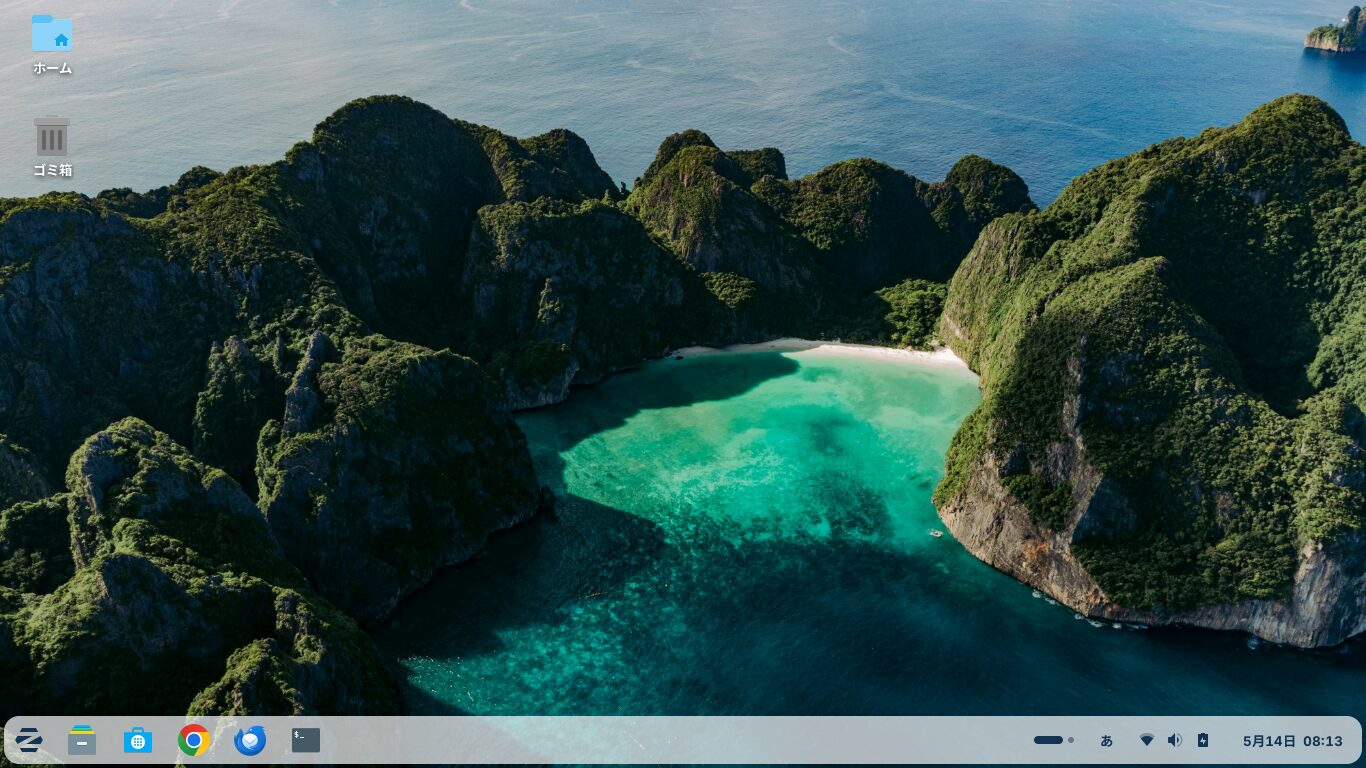
Zorin OS 18 was released to coincide with the end of support for Windows 10. I have compiled articles on how to upgrade from 17.3, how to perform a clean install, how to use printers, how to share files, how to install WordPress, and how to migrate the Thunderbird email client.
Zorin OS is a popular lightweight Linux distribution that offers a user experience similar to Windows.
Since it is based on Ubuntu, it is highly stable and offers a wide variety of software. It is especially recommended for Linux beginners and those looking to repurpose old PCs.
Since its interface is similar to Windows, it’s a great choice for switching from Windows to Linux or for installing on an old Windows machine.
1. About Zorin OS
Zorin OS is developed and operated by Zorin Group, a privately held company based in Dublin, Ireland, founded in 2008 by brothers Artyom Zorin and Kyrill Zorin. The company is not publicly traded, and detailed annual reports or revenue data regarding its financial status are not publicly available.
The project began in 2008, with the first release following in 2009.
- Development Background: It all started when the brothers, who were still in their teens at the time, decided to “create an OS that people switching from Windows or macOS to Linux could use without feeling out of place.”
- Features: Windows-like UI, intuitive operation, and stability based on Ubuntu and Debian
- A project originating in Europe
- Runs smoothly even on older computers
Zorin OS 18 was released to coincide with the end of support for Windows 10.
It has since been updated to version 18.1. (As of May 11, 2026)
It is a lightweight Linux distribution.
There are four versions: the paid Pro edition (¥8,888 as of May 11, 2026), Core (free), Education (free), and Lite (free).
While Lite is the lightest, I recommend the Core edition unless you’re using a very old PC.
The Education edition includes apps useful for education and learning, but it has a similar size to the Pro edition.
Pro, Core, and Education use the GNOME desktop environment, while Lite uses the lighter Xfce.
One drawback of Zorin OS is that app updates are slow.
This may be because it takes time to verify the apps and ensure their security..
2. How to upgrade from Zorin OS 17.3 to Zorin OS 18.1
If you are already using Zorin OS and are on version 17.3, you can upgrade to 18.1 via the menu accessed from the Start button.
Please read the article below for more details.


3. How to Perform a Clean Install of Zorin OS 18.1 Core
This guide explains how to share files over a network with other PCs on your local network.
It focuses on methods that avoid using commands and do not require editing the Samba configuration file.
This guide covers how to download the ISO image, create a live USB drive, configure your BIOS or UEFI to boot from the USB drive, and proceed with the installation.

4. Recommended Apps After Setup
Once the installation is complete, let’s install various software applications.
We introduce software primarily used for desktop applications, such as web browsers, email clients, and image editing software.

5. How to Use a Printer
This section explains how to set up an EPSON EW-052A printer on Zorin OS 18.1 Core.
It also provides links to download sites for Linux printer drivers from EPSON and Canon.
It explains how to download and install the drivers and software, and configure them to work with Zorin OS 18.1 Core.


6. How to Share Files with Other PCs on a Local Network
This guide explains how to share files over a network with other PCs on your local network.
It focuses on methods that avoid using commands and do not require editing the Samba configuration file.

7. How to Transfer Large Numbers of Files from Another PC on a Local Network
This article explains how to use Cloud Commander to transfer large numbers of files to Zorin OS from another PC on a local network.
Unlike Samba, I think this is a convenient method for transferring large numbers of files via a web browser.

8. Setting Up a Web Server (Apache) and Creating a Local WordPress Environment
This guide covers installing the web server (Apache), installing MariaDB and PHP, configuring Apache, creating and configuring the database required for WordPress, installing WordPress, viewing the WordPress site on a local area network, and logging into WordPress.
This is a guide to help you learn and test WordPress.

9. Migrating accounts and settings in the email client Thunderbird
If you use Thunderbird as your email client on Windows or other platforms, you can migrate your email accounts and settings.
However, I was unable to migrate the passwords for the email accounts.

Other
In Zorin OS 18.1 Core, when you move a window, the desktop layout drops down from the top.
If you snap the window into the layout, it takes on that position and shape.
However, since this can be a bit annoying, I’ve written about how to disable it.

Here's how to connect your smartphone to Zorin Connect and set up the integration.

This post discusses the location of the php.ini file when setting up a local WordPress environment using Apache, MariaDB, and PHP 8.5 on Zorin OS 18.1 Core.

Summary
Zorin OS 18.1 Core is a lightweight, Ubuntu-based distribution that offers a user experience similar to Windows.
I have compiled articles on how to upgrade, perform a clean install, introduce software, use a printer, share files, install WordPress, and migrate Thunderbird email accounts.
よろしければ応援お願いします


