
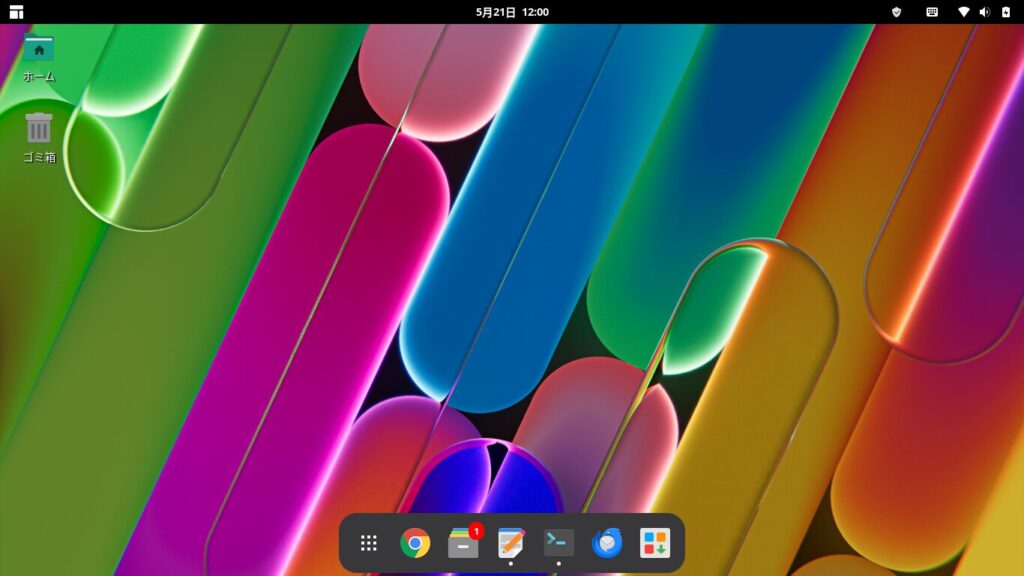
1. What is Manjaro?
Manjaro is a lightweight Linux distribution based on Arch Linux.
Arch Linux is an OS designed to allow users to build a user-friendly environment from the ground up.
However, Manjaro offers a relatively comprehensive GUI interface that is easy to use, even for beginners.
A key strength of Arch Linux-based systems is that you don’t need to reinstall the OS every time a new version is released.
Once installed, the kernel and other applications are kept up to date.
However, installing applications using standard DEB or RPM files can be difficult; instead, the main methods for adding and removing software involve installing from official repositories or the AUR (Arch User Repository), which is maintained by volunteers worldwide.
In a sense, you could say it follows the traditional path of Linux.
2. Installing Manjaro
First, let’s install Manjaro.
It runs smoothly even on older PCs.
Since this is a clean install, all your data will be erased. Please back up your data before installing.

3. Recommended Software for Manjaro
Here are a few recommended programs to install after setting up Manjaro.
These are primarily desktop applications.


4. Using a Printer with Manjaro
Arch Linux-based operating systems, including Manjaro, cannot directly use the DEB or RPM files provided by printer manufacturers.
However, you can install printer drivers, and printer utilities and scanner software are available from the AUR (Arch User Repository), so there are generally no major issues with everyday printing.
I’ve written about how to install the driver and scanner software for the EPSON EW-052A.

5. File Sharing Between Manjaro and PCs on a Local Network
If you have multiple PCs, it would be convenient to share files over a local network.
Manjaro comes with the file-sharing software Samba installed by default, and once configured, you can share files with other PCs on your local network.


6. Installing XAMPP on Manjaro to Set Up a Local WordPress Environment
I’ve written about how to install XAMPP on Manjaro to set up a local WordPress environment.
With XAMPP, you don’t need to install a web server, PHP, or database software separately.
You can use it for learning or testing WordPress.
7. Importing Account Information into Thunderbird, Manjaro’s Default Email Client
Thunderbird is the default email client on Manjaro.
If you use Thunderbird on other computers, you can import your account information.
However, while you can import information such as POP, IMAP, and SMTP ports, you cannot import account passwords.
If you have only a few email accounts , it might be faster to simply set up new accounts from scratch.

Please consider supporting us if you like this post.


