
広告 Linux PC Tips Zorin OS

Zorin OS 18.1 Core Tips | How to Hide the Tile View at the Top When Moving a Window

2026年5月28日

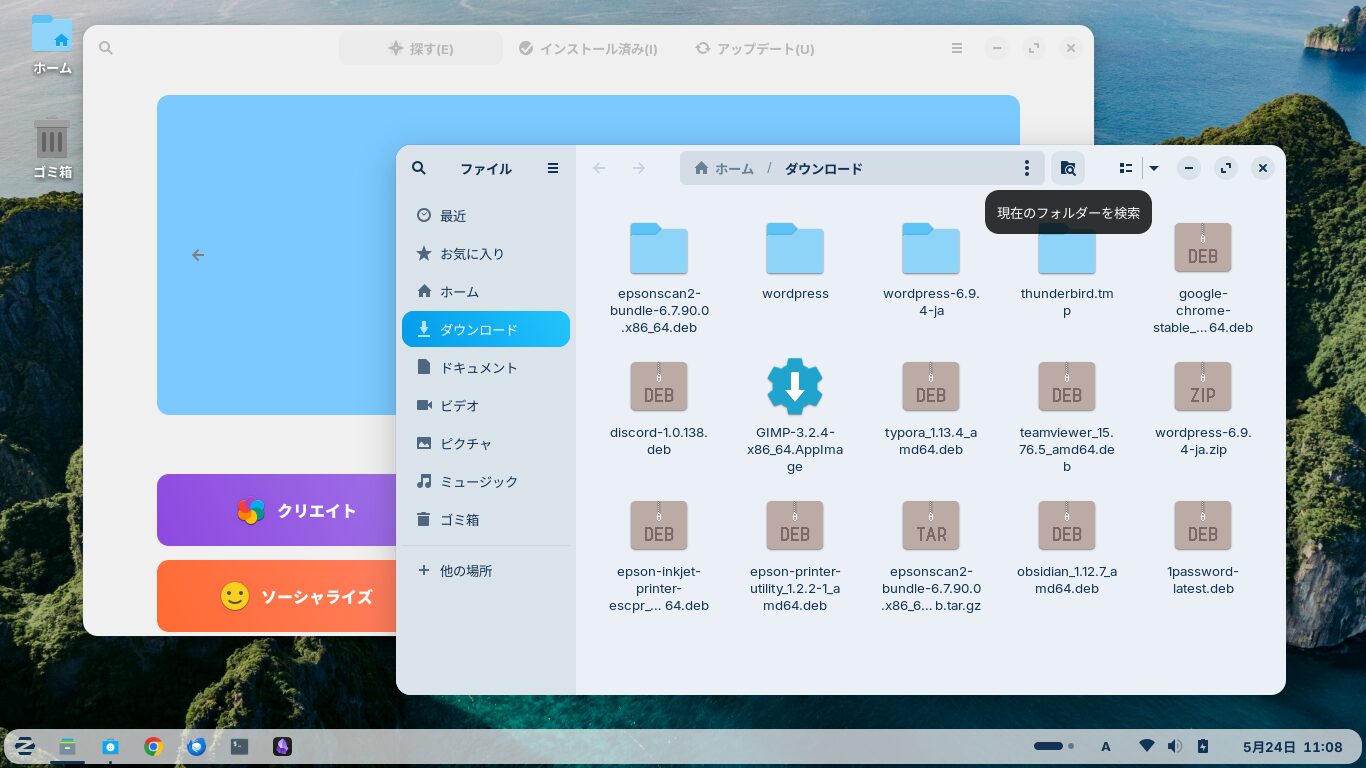
Zorin OS 18.1 Core desktop screen

In Zorin OS 18.1 Core, when you move a window, a layout with various tile patterns appears at the top.
If you move the window and it snaps into one of those tiles, it will adopt that tile’s size and shape.

I found this a bit annoying, so I turned it off.
In this post, I’d like to explain how to do that.

Zorin Appearance

Open “Zorin Appearance” from the Start button.

Screen for selecting “Zorin Appearance” from the menu

Select the “Windows” tab on the left.

“Window” tab in the Appearance settings

Turn off “Advanced Window Tiling” on the right.

Screen with Advanced Window Tiling Disabled

Now, when you move a window, the tile layout won’t drop down from the top.

よろしければ応援お願いします

にほんブログ村 PC家電ブログへ にほんブログ村 PC家電ブログ パソコン・周辺機器へ

Ad

  • この記事を書いた人

春雨

都内に住んでいる中高年のおじさんです。
古いPCにLinuxを入れたりして遊ぶのが好きです。
PCをいじるのは好きですが、勉強は苦手です。

I am Harusame.
I’m a middle-aged guy living in Tokyo.
I enjoy tinkering with old PCs by installing Linux on them.
I like messing around with computers, but I’m not very good at studying.

-Linux, PC, Tips, Zorin OS
-, , , ,