

The default email client for Manjaro is Thunderbird.
Since I use Thunderbird on Windows as well, I’d like to explain how to migrate the email accounts I use on Windows to Thunderbird on Manjaro.
However, since this method does not import your email account passwords, if you have only a few email accounts, it might be faster to simply set up new accounts from scratch.
Click here for the Manjaro Overview page

1. Save the account settings from Thunderbird on another PC
Open Thunderbird on another PC (such as a Windows machine), go to Help > Troubleshooting Information, click the "Open Folder" button under "Profile Folder," and open the folder.
Go up one level and copy the entire (random letters).default-release folder to a USB drive or similar storage device.
2. Open Thunderbird on Manjaro and import your email account
Insert the USB drive containing the copied data into your Manjaro PC and launch Thunderbird.
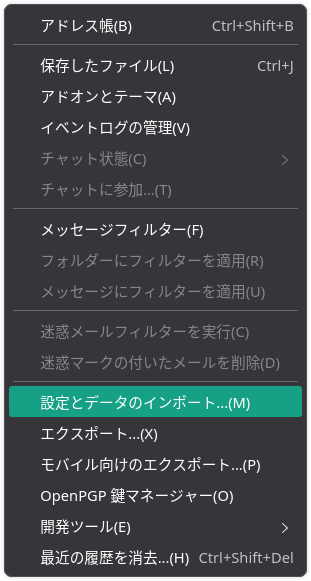
Select "Tools" > "Import Settings and Data."
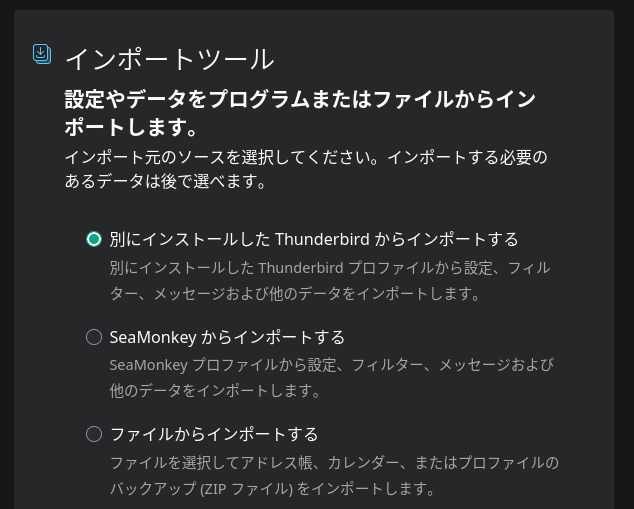
Check the box for "Import from the other Thunderbird installation" and click "Next."
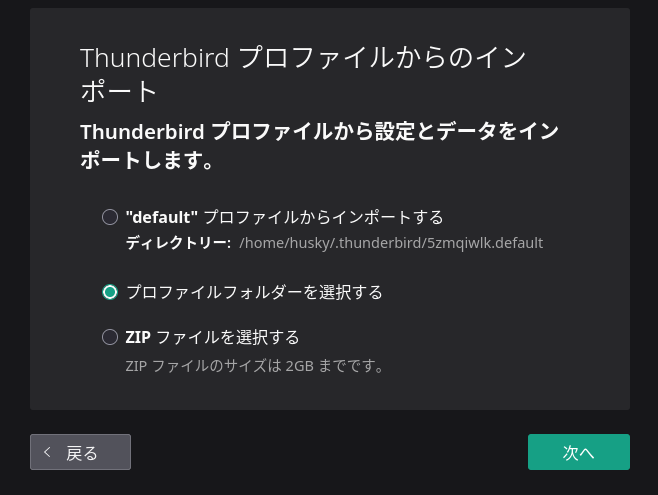
Check the “Select profile folder” box and continue.
A folder selection pop-up will appear; select the (random letters).default-release folder on the USB drive.
Check the items you want to import, then click "Next."
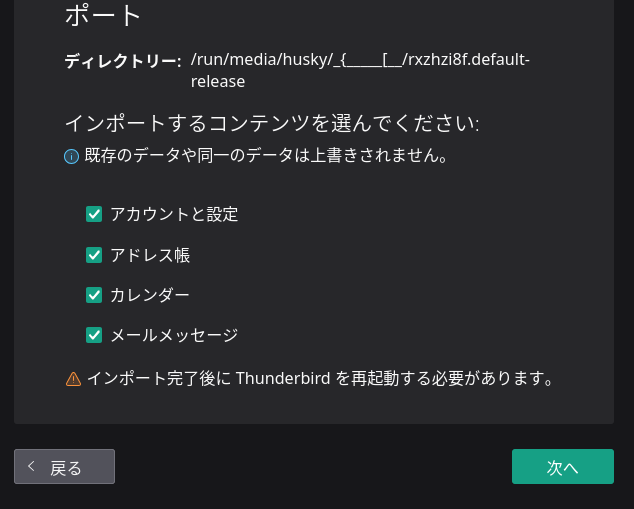
Click "Start Import."
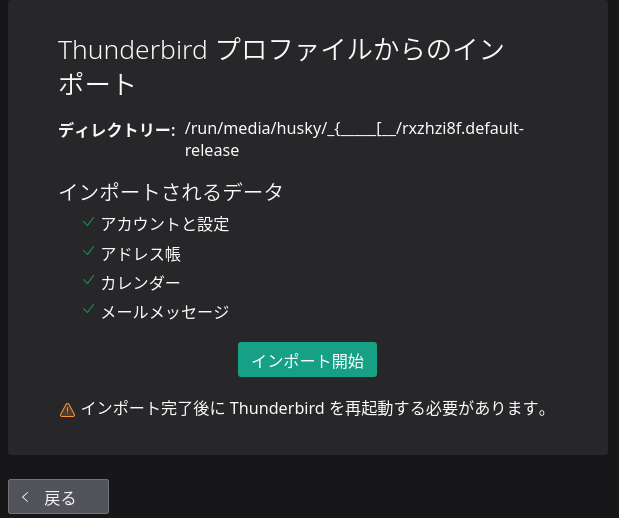
During the import, Thunderbird may appear to freeze, but clicking "Wait for Response" will complete the import.
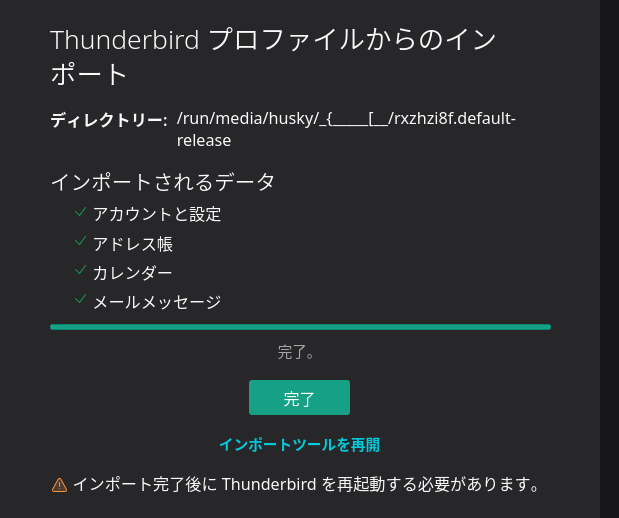
Click the "Finish" button, and Thunderbird will restart.


3. After Thunderbird restarts
After restarting, your email accounts (including POP, IMAP, and SMTP port information) will have been imported, but unfortunately, your email account passwords will not be imported.
You will be prompted to enter your password when connecting to the mail server, so enter it there and check the box to save it.
If you have only a few email accounts, it might be faster to simply set up new accounts from scratch.
Summary
Thunderbird is the default email client in Manjaro.
If you use Thunderbird on other computers, you can import your account settings.
However, while POP, IMAP, and SMTP information can be imported, email account passwords cannot be imported.
If you have only a few email accounts, it might be faster to simply set up new accounts from scratch.
If you found this helpful, please consider supporting us.


