
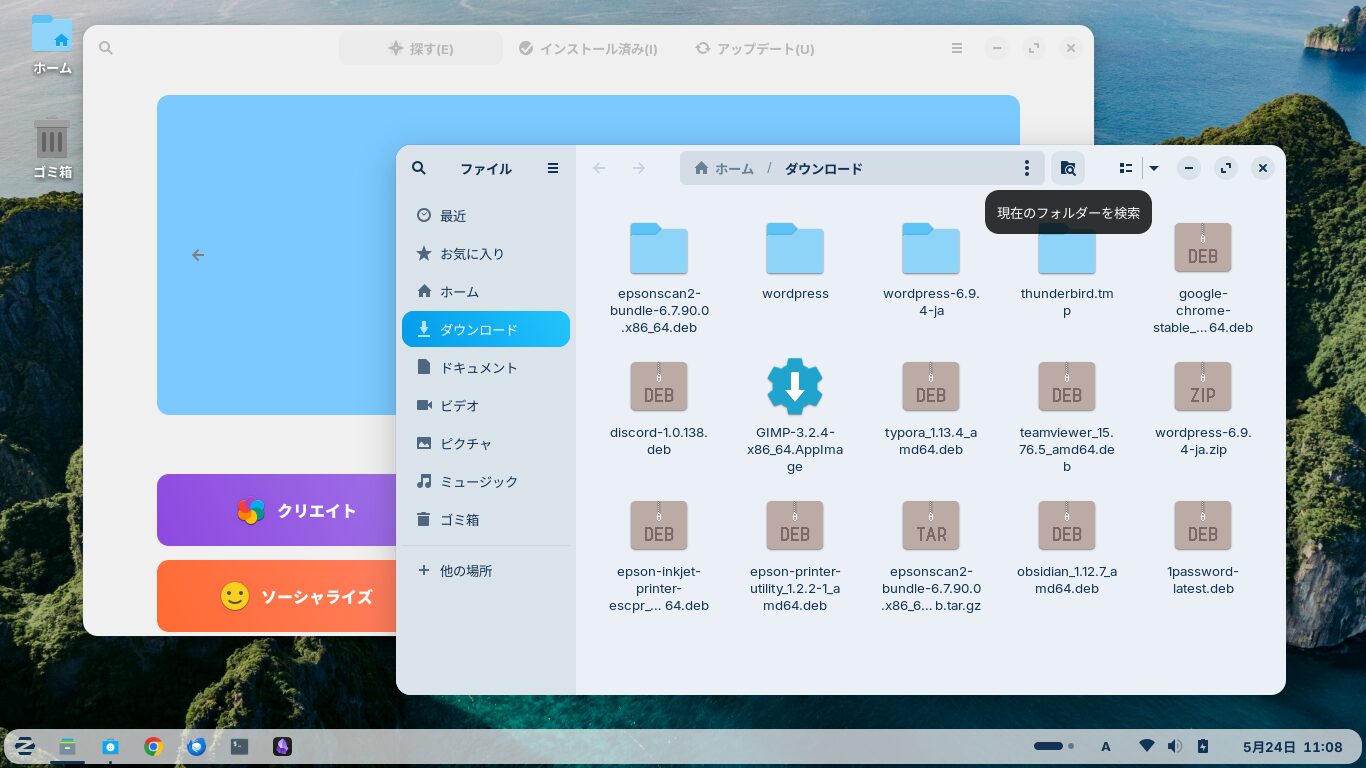
In Zorin OS 18.1 Core, when you move a window, a layout with various tile patterns appears at the top.
If you move the window and it snaps into one of those tiles, it will adopt that tile’s size and shape.
I found this a bit annoying, so I turned it off.
In this post, I’d like to explain how to do that.
Zorin Appearance
Open “Zorin Appearance” from the Start button.

Select the “Windows” tab on the left.

Turn off “Advanced Window Tiling” on the right.

Now, when you move a window, the tile layout won’t drop down from the top.
よろしければ応援お願いします


