
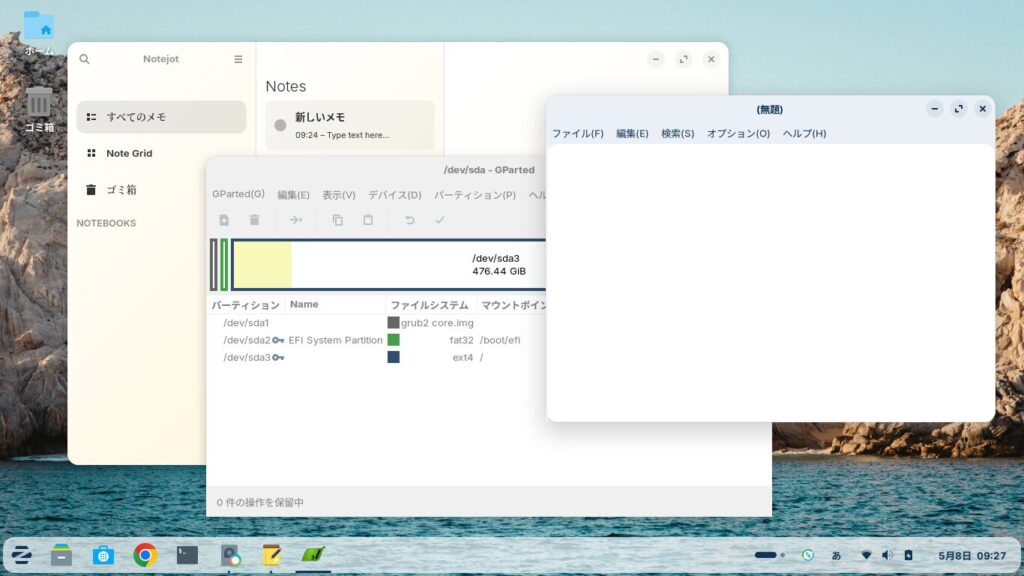
Click here for a summary of Zorin OS 18.1 Core


In my previous post, I wrote about performing a clean installation of Zorin OS 18.1 Core.

Zorin OS 18 was released on October 14, 2025, to coincide with the end of support for Windows 10, and has since been updated to Zorin OS 18.1 (as of May 6, 2026).
Zorin OS is a relatively lightweight Linux distribution that is popular among Japanese users.
Since its interface is similar to Windows, it’s a good option for switching from Windows to Zorin OS or for installing on an old Windows machine.
In this article, I’d like to list some useful software for everyday use of Zorin OS 18.1 as a desktop operating system.
The office suite included is LibreOffice.
Please note that the instructions provided here are based on the default layout.
1. Synaptic Package Manager
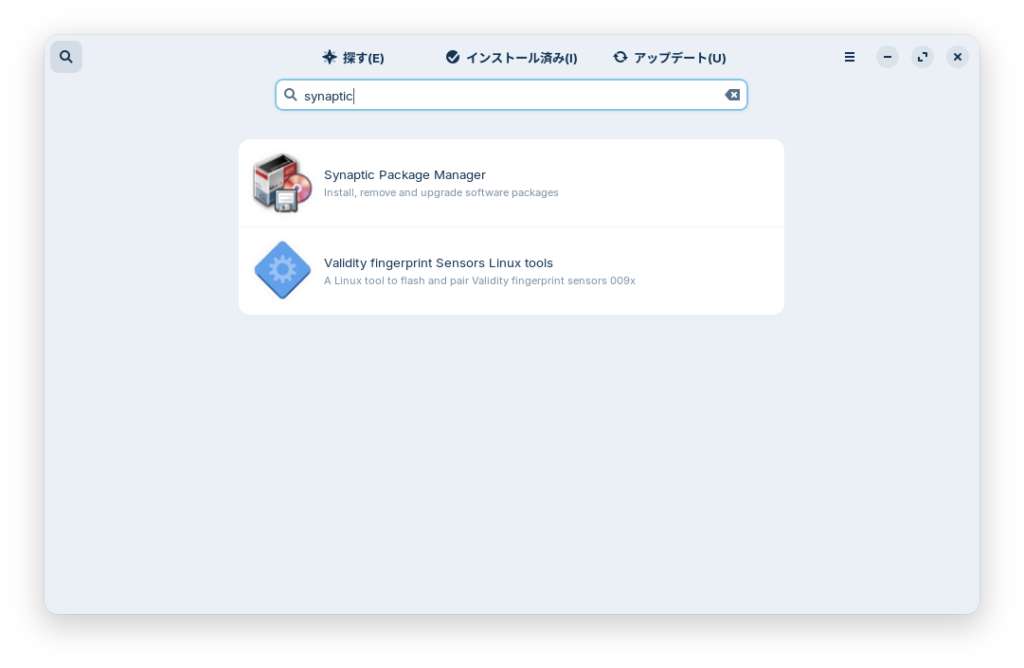
Synaptic Package Manager is a program that allows you to install and uninstall various applications using a graphical user interface.

Click “Software” (the blue bag icon) on the left side of the taskbar, then click the magnifying glass icon in the upper-left corner to search for and install it.
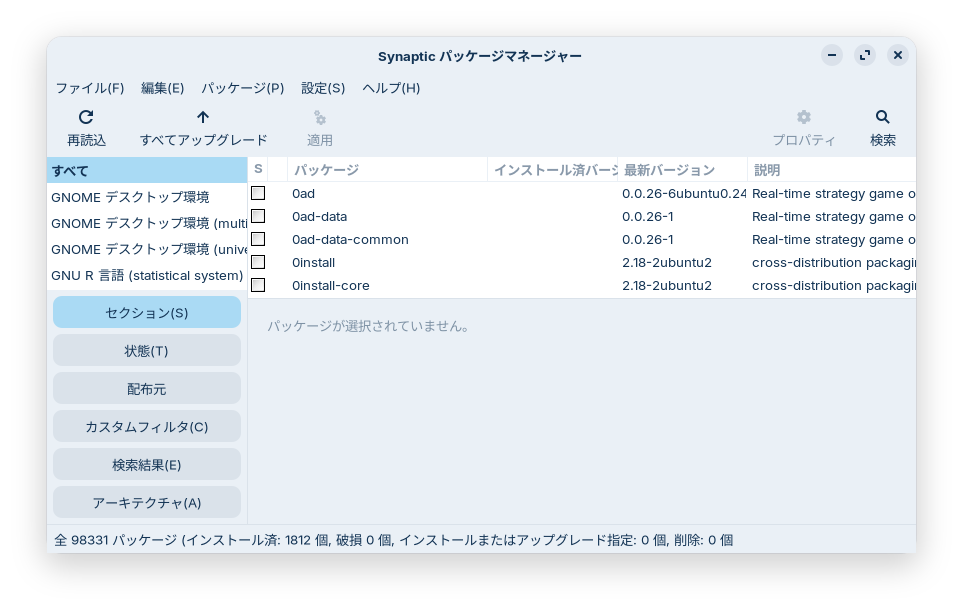
After installation, launch it from Start Menu > System Tools.
These days, Linux versions are often available for download from software websites or the developers' sites, so its usefulness may be limited.
It essentially provides a graphical interface for running the apt command.

2. Google Chrome
The default browser for Zorin OS 18.1 is Brave.
If you already use Brave, this won’t be a problem, but if you use Google Chrome on Windows, you can sync your bookmarks, passwords, and other data simply by logging in, which is very convenient.

Once installed, you can launch it from the Start menu > Internet.


3. Notejot
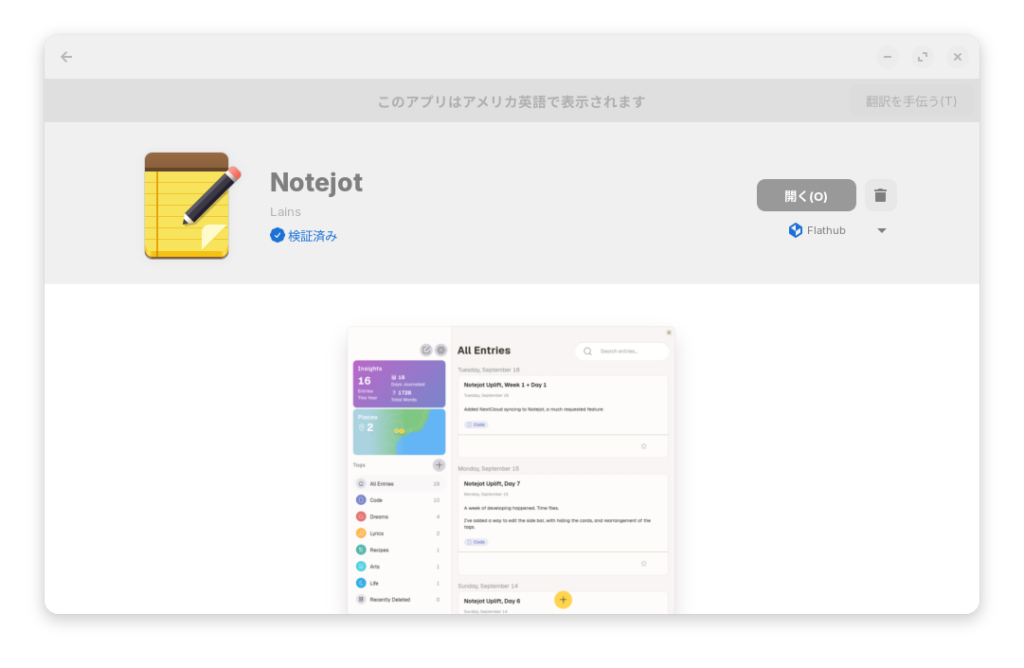
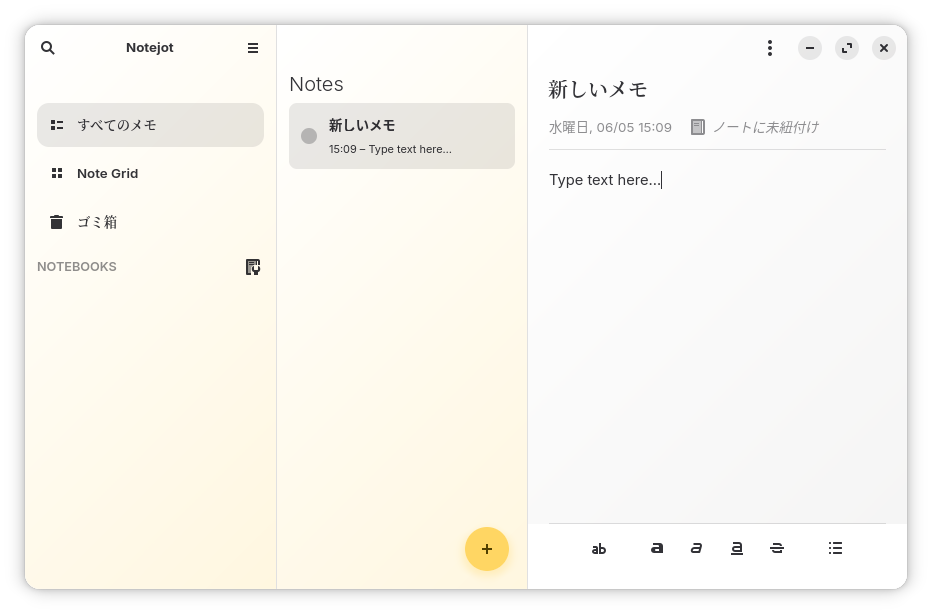
It's a note-taking app similar to iPhone Notes or Microsoft OneNote.
Dates are added automatically, and notes can be linked to one another. You can use it for jotting down ideas or keeping a diary.
You can install it from the App Store.
4. Thunderbird
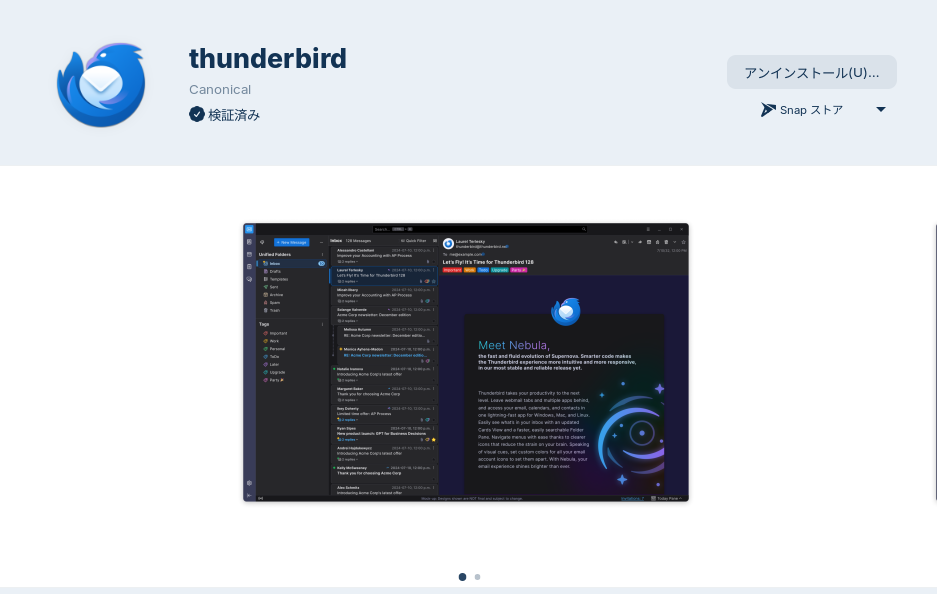
It's an email client. You can install it from the software store. It's up to you, but I think the Snap version is better choice.


5. L3afpad
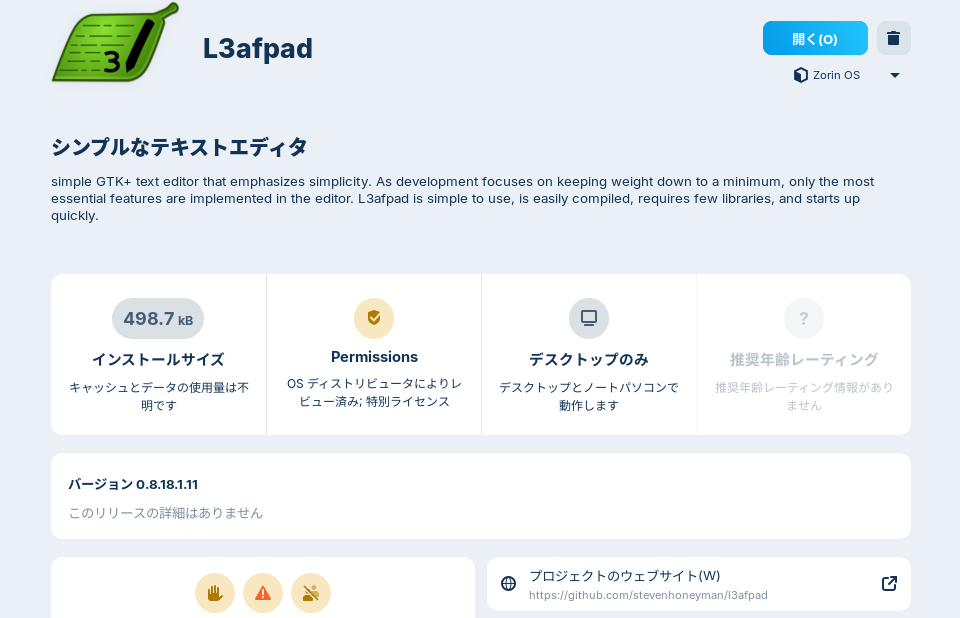
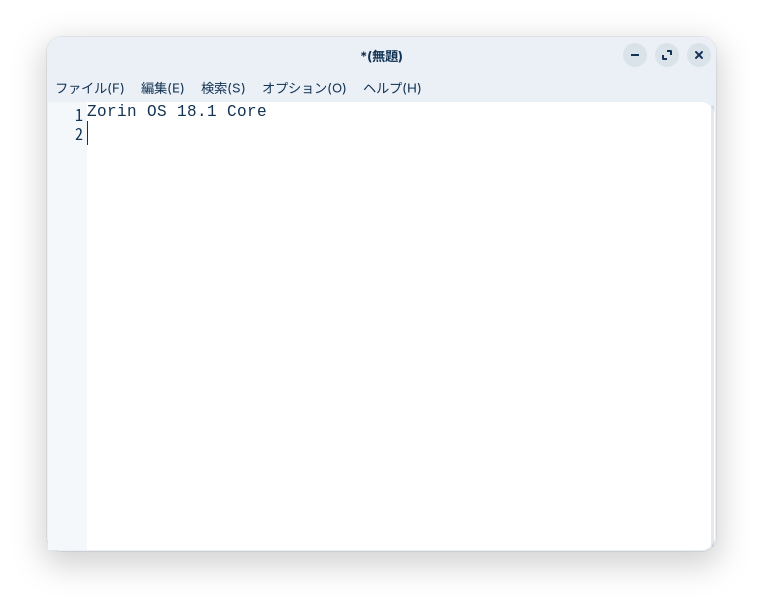
The default text editor in Zorin OS 18.1 is gnome-text-editor, but Leafpad is a simple, lightweight text editor.
You can use it for jotting down quick notes.
You can install it from the Software.
You can also install it using the Synaptic Package Manager.
It also appears as “Leafpad” in the Software.

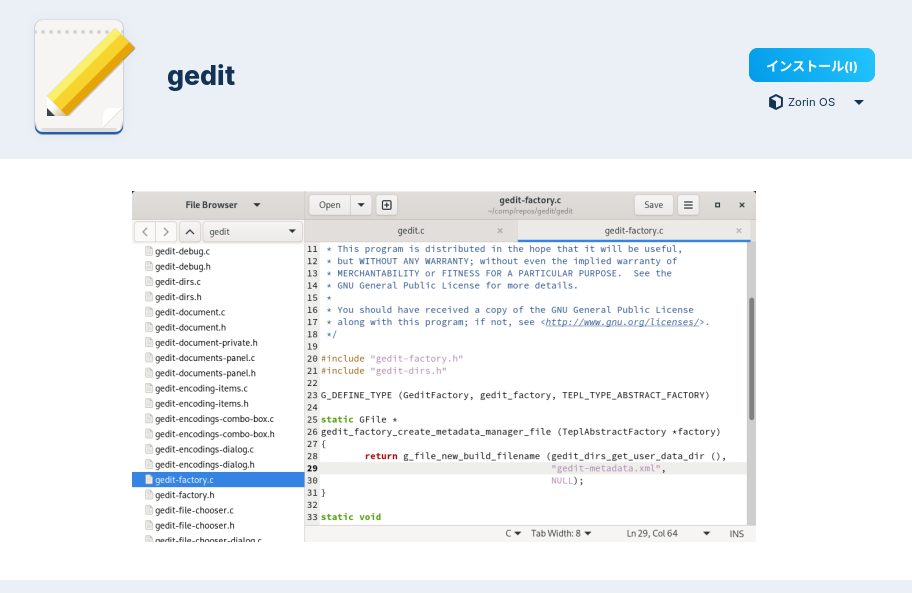
6. Gedit
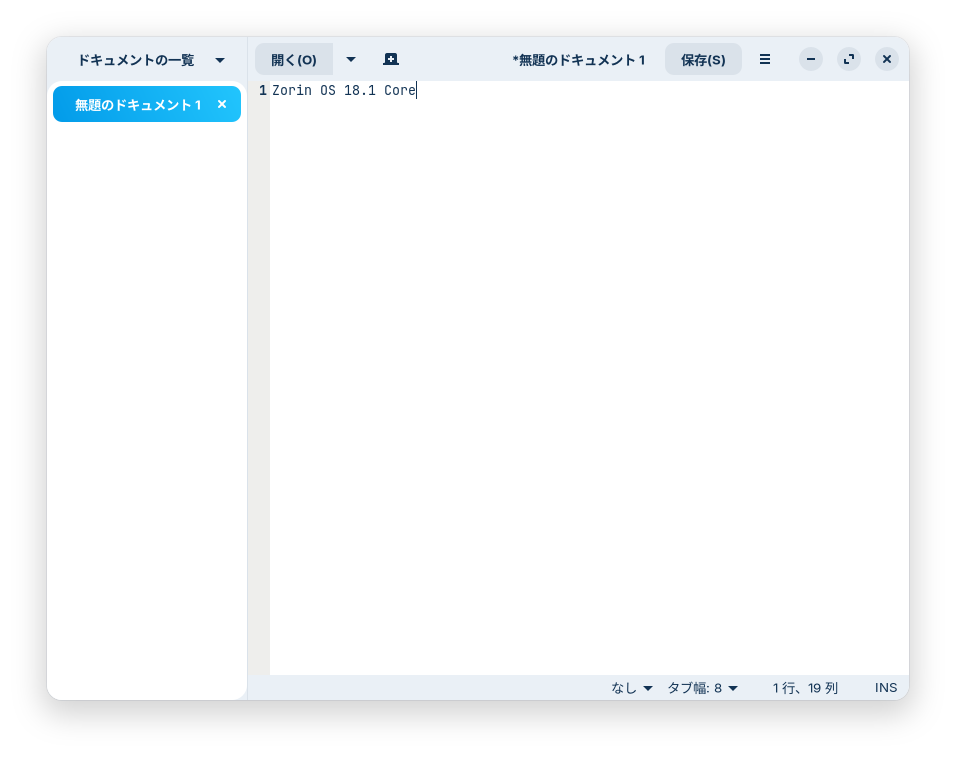
Up until Zorin OS 17.3, Gedit was the default text editor.
While the default text editor in Zorin OS 18.1, gnome-text-editor, looks and works much the same, Gedit has a shorter name when launched from the terminal, so installing it can save you some trouble.
You can install it from the Software. I recommend setting the “Source” option below the Install button to “Zorin OS.”

7. GParted
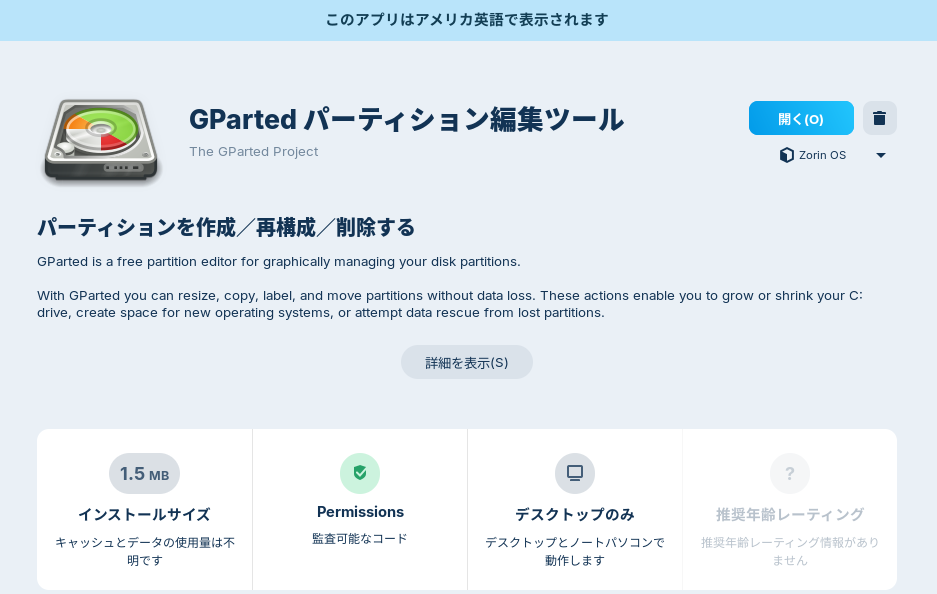
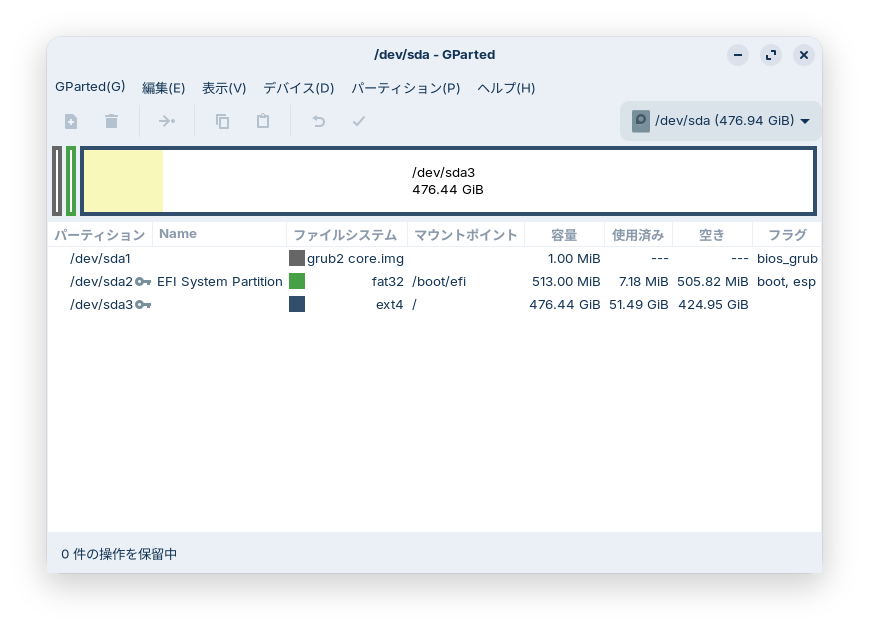
This is an app for partitioning, merging, and editing disk partitions.
You can install it from the Software.

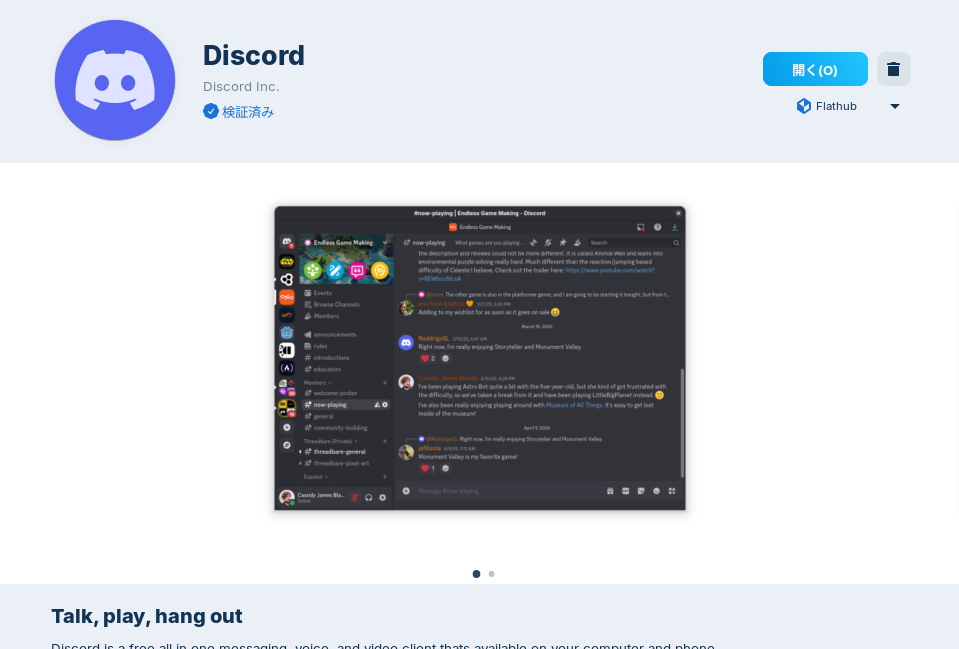
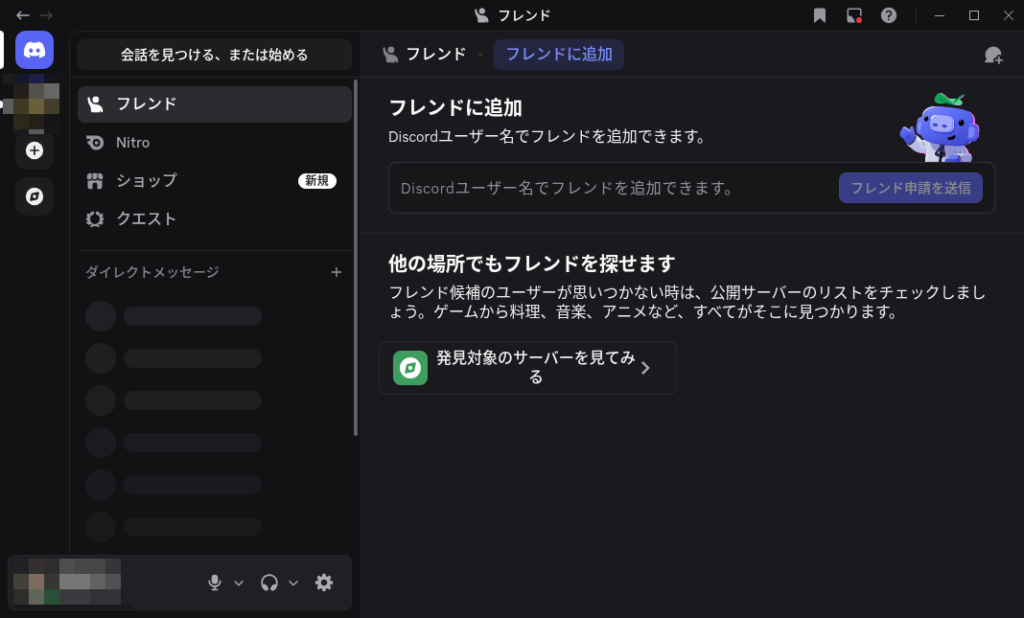
8. Discord
This is a versatile app for chatting, calling, and conferencing.
Download it here or install it from Software.


9. GIMP
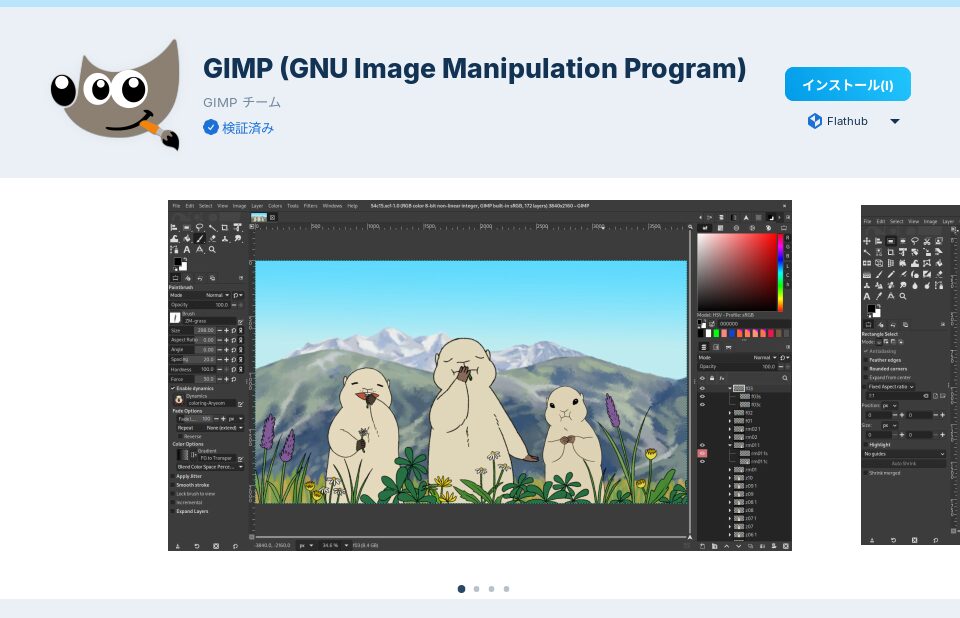
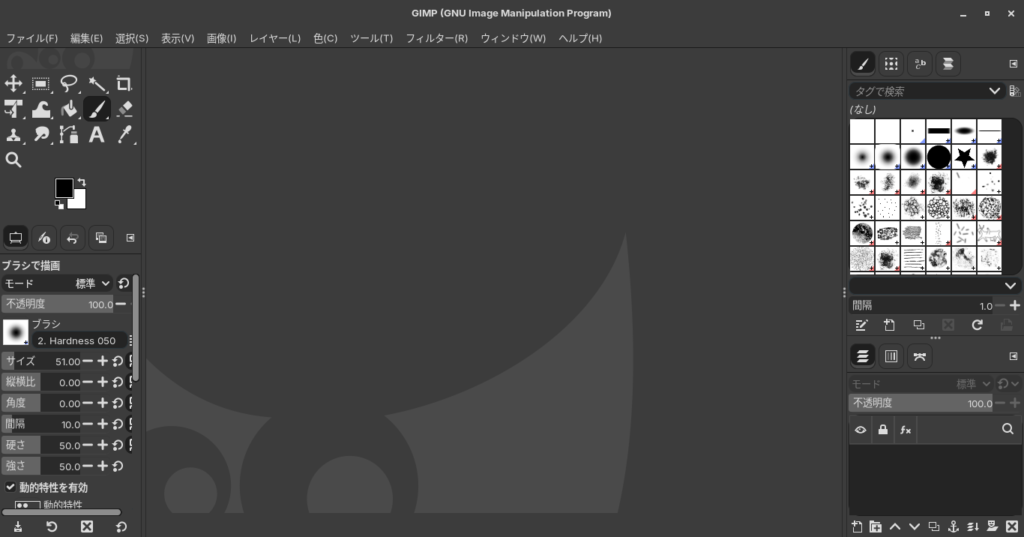
A versatile photo and image editing program.
You can install it here. I installed the Snap version.


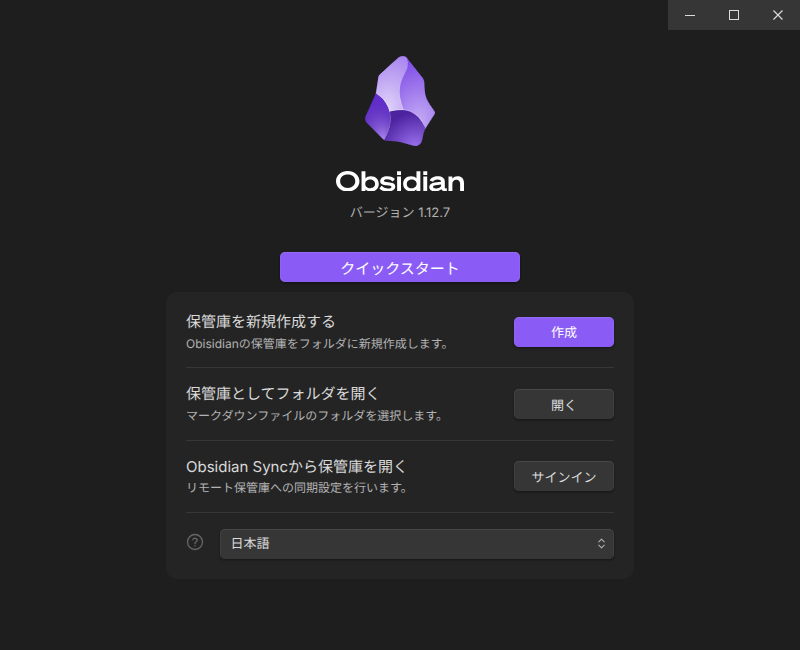
10. Obsidian
Obsidian is a glassy rock commonly used in the Flint Age; when struck, it shatters into sharp flint.
Obsidian apparently helps sharpen and refine your thinking by allowing you to jot down multiple short notes and link them together.
Additionally, if you install community plugins like Dataviewjs or Chartsjs, you can create tables, graphs, calendars, and more.
You write primarily in Markdown.
By writing in Markdown, you can easily create links and other connections between notes.
It’s an app that can be used for a variety of purposes.
You can download and install it from here. I downloaded and installed the .deb version.


11. Typora
This is a simple, easy-to-use Markdown editor. I use it for drafting blog posts and the like.
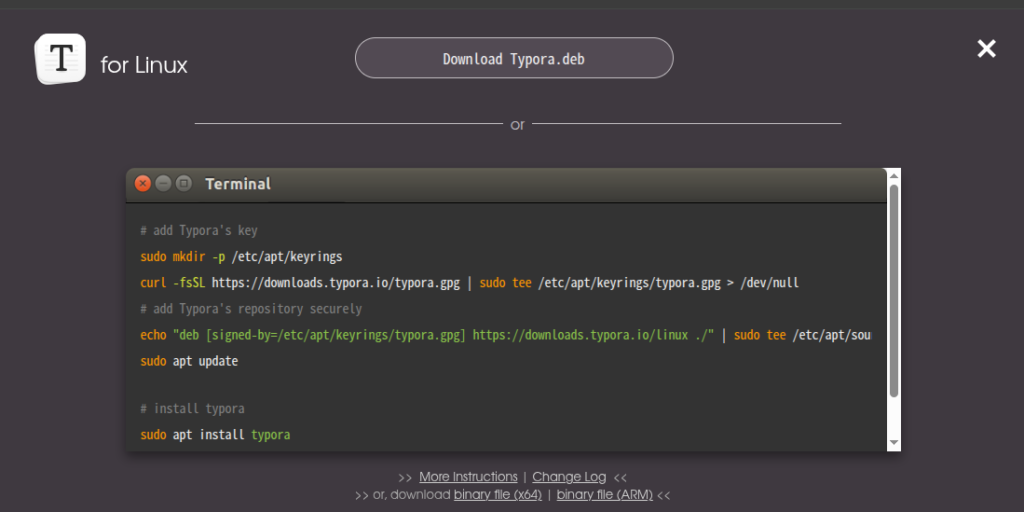
You can download it here. You can also find and install it through your software center.

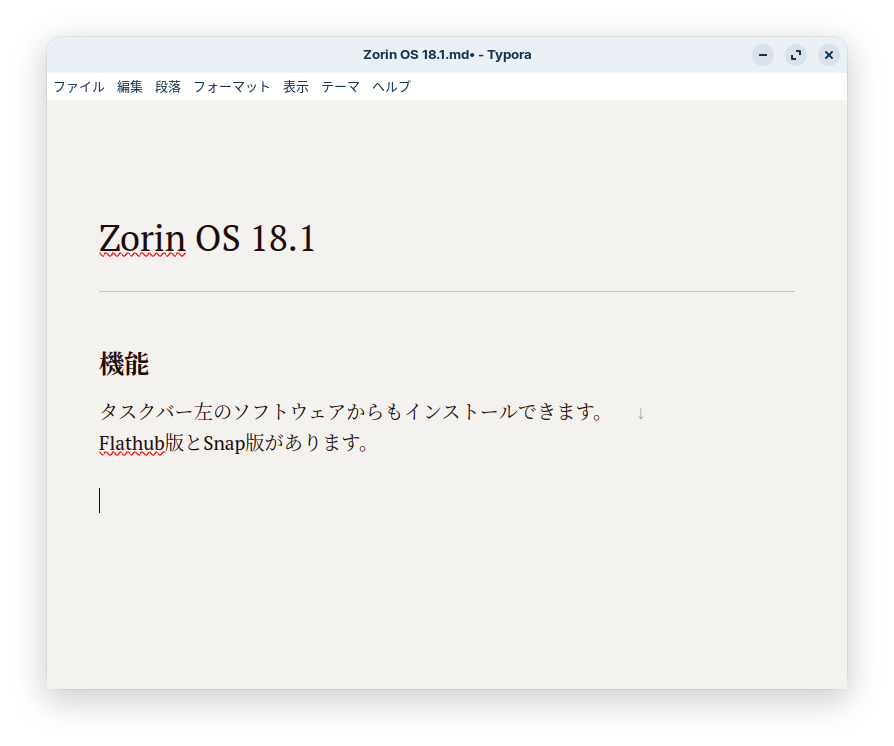
However, while standard Markdown syntax uses two single spaces followed by Enter to force a line break (rather than creating a new paragraph), Typora uses two single spaces followed by Shift+Enter to force a line break, so there are some slight differences in how it’s written compared to standard Markdown.

12. Inkscape
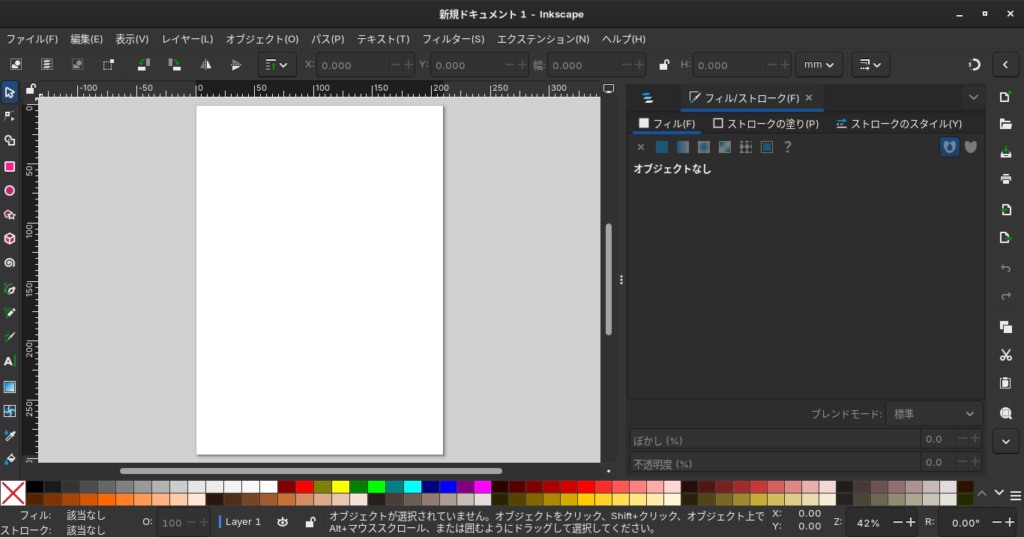
While GIMP handles raster images such as JPEGs and PNGs, Inkscape handles vector images.
Vector images tend not to become pixelated even when enlarged.
They are well-suited for drawing building exteriors and illustrations.
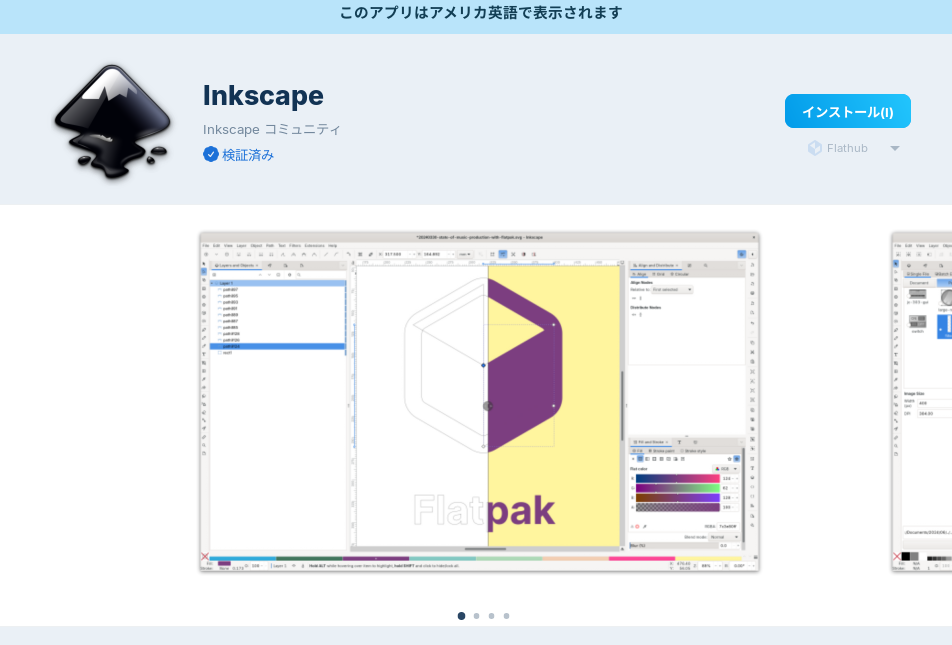
You can install it from Software.
13. Teamviewer
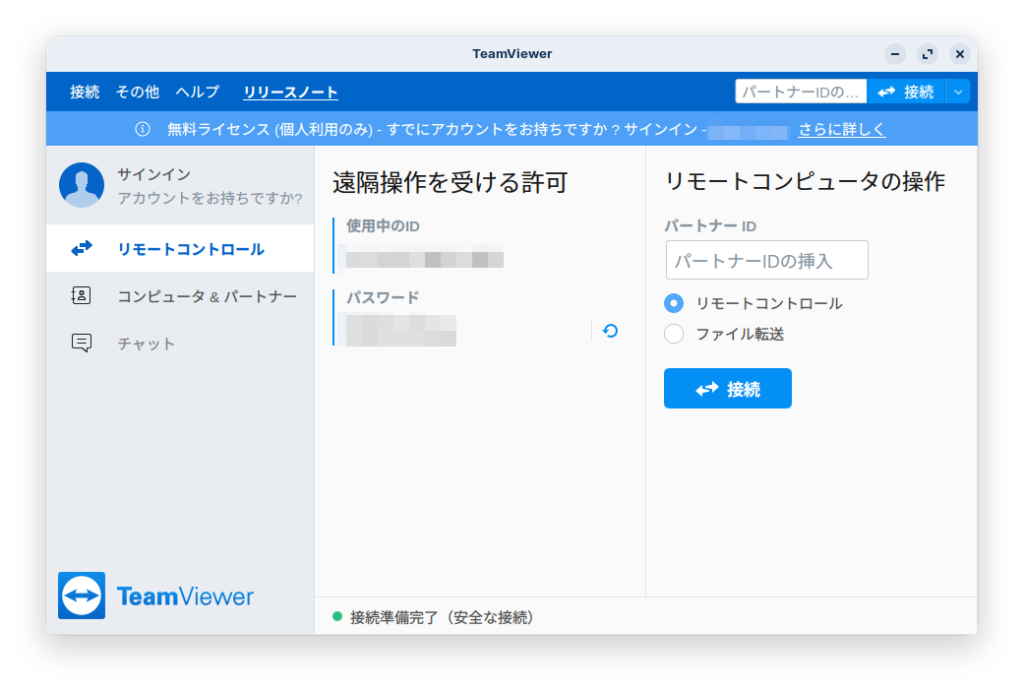
This app allows you to remotely access other devices and receive support.
You can download it here.

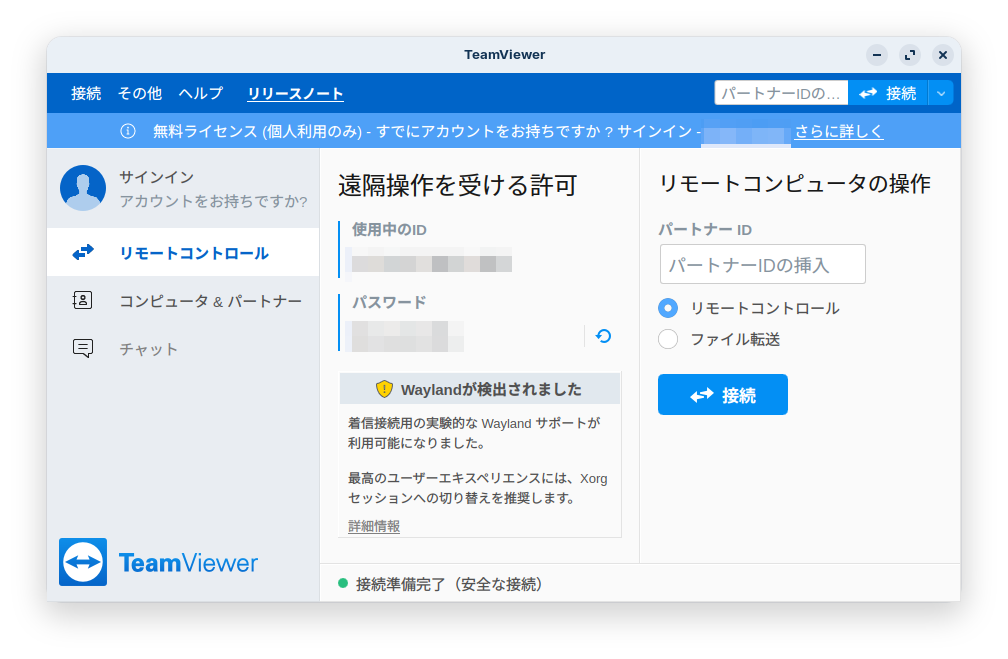
Since the message “We recommend switching to an Xorg session” appears, it seems best to log out, enter your password at the login screen, then select “Zorin Desktop on Xorg” from the gear icon in the lower-right corner before logging in.
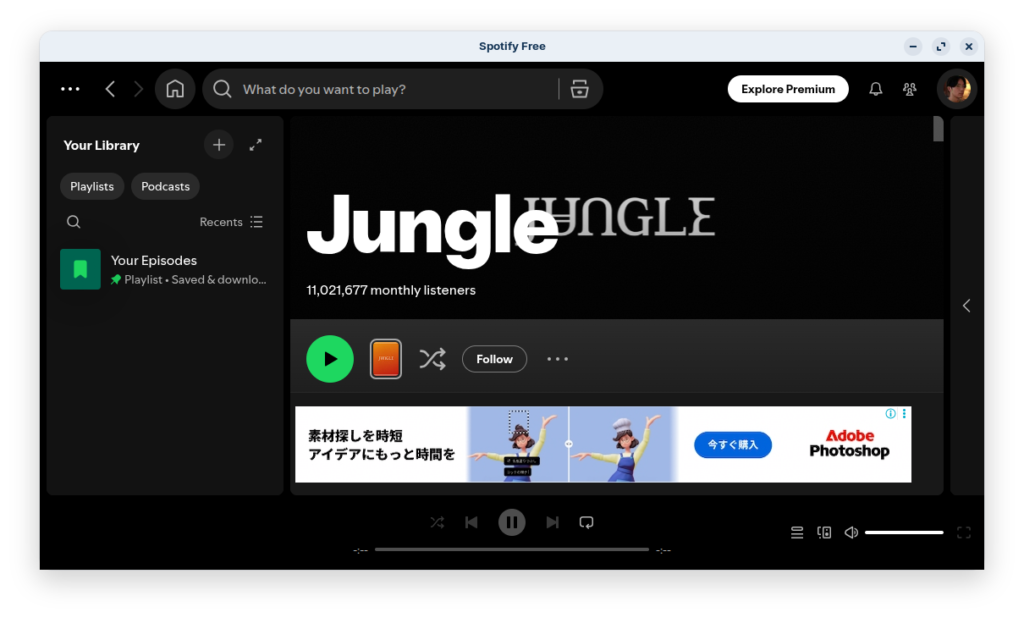
14. Spotify
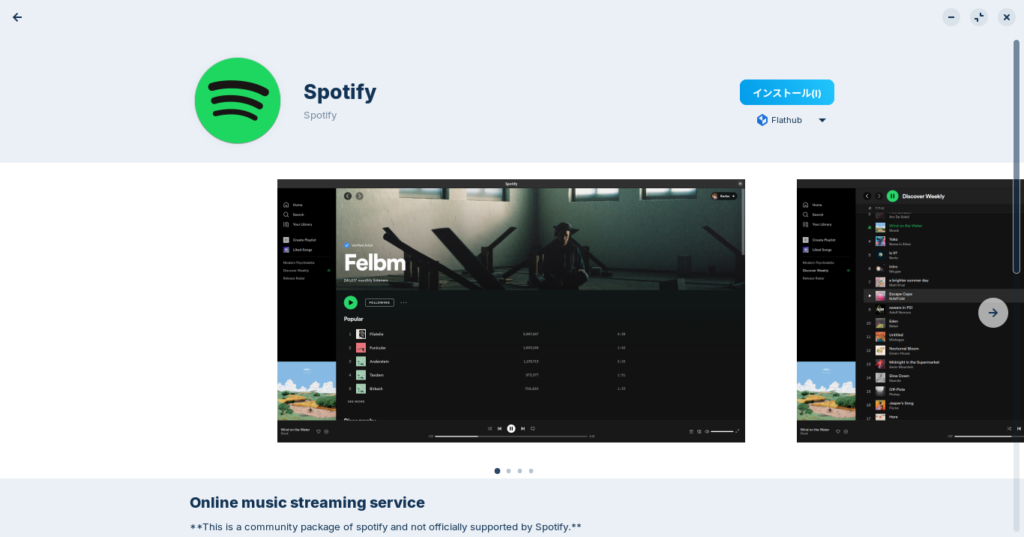
You can install it here.
Click the link to open Software.

That concludes our introduction to these 14 software programs.
I realize many of them are rather run-of-the-mill.
I’m sure there are other interesting programs out there if you look around.
よろしければ応援お願いします


