
Starting with Zorin OS 16.3, an upgrade feature to later versions was added, but it required some manual steps.
Starting with Zorin OS 17.3 Core, you can now upgrade to Zorin OS 18 Core via a GUI from the Start menu.
Zorin OS 18 was released on October 14, 2025, to coincide with the end of support for Windows 10, and was subsequently updated to version 18.1.
I had been taking it easy without writing any articles, and before I knew it, it had been updated to version 18.1.
Since its operation is similar to Windows, I think it’s a good choice for switching from Windows to Linux or for installing and using it on an old Windows machine.
Zorin OS is a lightweight Linux distribution that is popular among Japanese users.
In this post, I’d like to explain how to upgrade from Zorin OS 17.3 to Zorin OS 18.
Minimum hardware specifications
| CPU | 1 GHz Dual Core – Intel/AMD 64-bit processor |
| RAM | 2 GB |
| Storage | 15 GB (Core), 35 GB (Education), or 45 GB (Pro) |
| Display | 800 × 600 resolution |
The specifications of the machine I use for Zorin OS are as follows.
It’s a Tsukumo notebook PC:
Hardware Model: CLEVO CO. W240EU/W250EUQ/W270EUQ
Processor: Intel® Core™ i7-3610QM CPU @ 2.30GHz × 8
Memory: 16.0 GiB
Storage (SSD): 512.1 GB
Here are the details.
It originally had a Core i3 processor, but I replaced it with a used Core i7.
I also upgraded the memory.
Click here for Overview of Zorin OS 18.1 Core


1. First, update the software
First, we will update the software to Zorin OS 17.3.
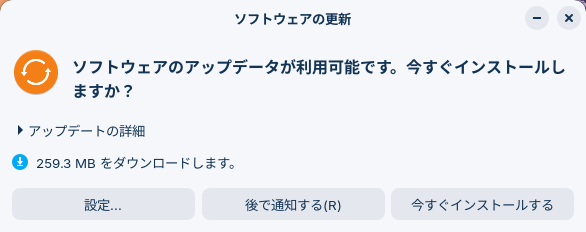
Just to be safe, I think you should back up your data to an external drive.
Once the software update is complete, I think you should restart your computer just to be safe.


Point
Just to be safe, back up your data to an external drive.
Update the software to the latest version, then restart your computer.
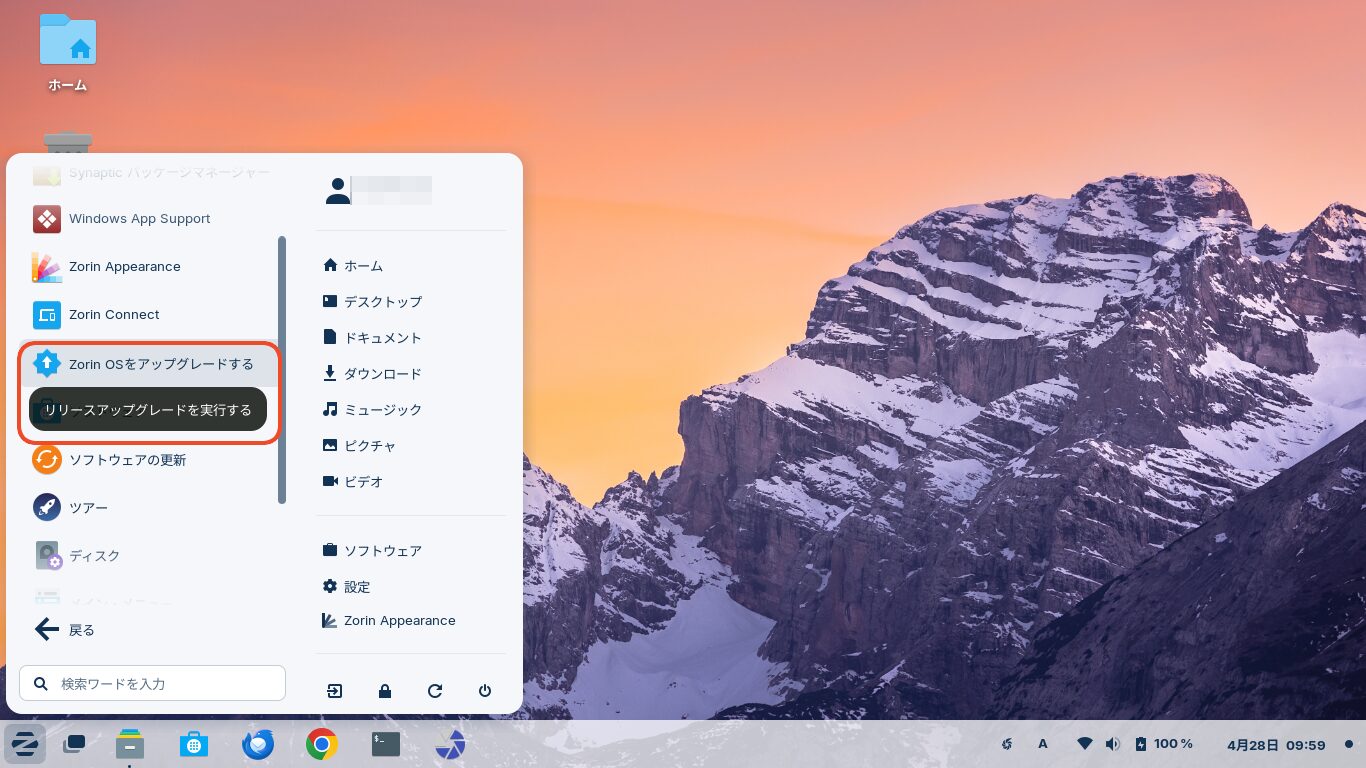
2. Upgrade to Zorin OS 18 by selecting “Upgrade Zorin OS” from the Start menu
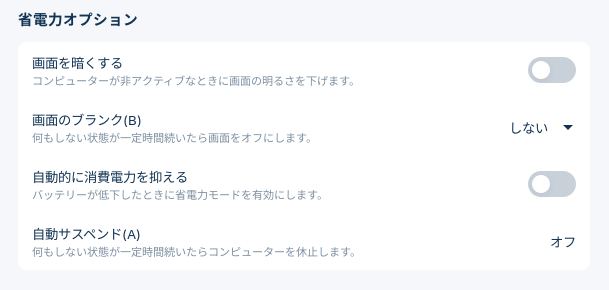
I think you should turn this off in the settings to prevent the device from going to sleep during the upgrade.
Next, click the Start button, then System Tools, and then “Upgrade Zorin OS”
A window like the one shown in the image will appear.
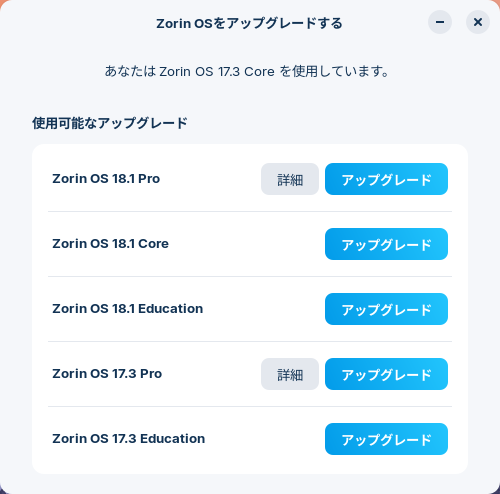
Since I’m using Zorin OS 17.3 Core, I selected Zorin OS 18.1 Core.
The Pro version is a paid option. The Lite version is not available as a GUI upgrade from Zorin OS 17.3 Core.
It is available if you look for it, but it requires a clean install.

When you select “Upgrade,” a password authentication screen will appear, so enter your password.
After checking the system requirements for a moment, the screen will look like the image below.
I recommend closing all other applications before upgrading.
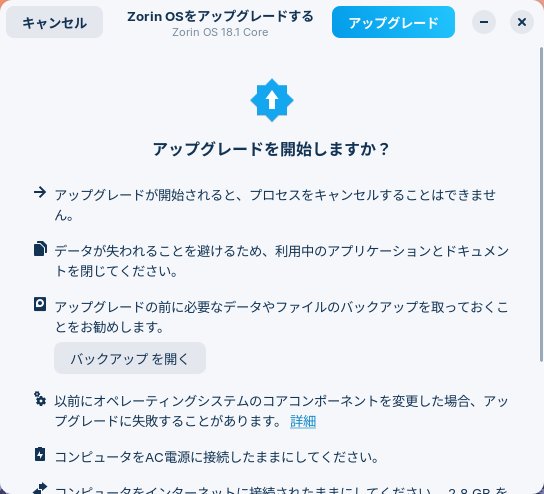
If you're using a laptop, connect the AC adapter to prevent the computer from shutting down during the process.
Once you're ready, click the “Upgrade” button.
In my case, the upgrade stopped because some files were corrupted partway through.
However, when I restarted the system, it had been upgraded to Zorin OS 18.1, as shown in the image.
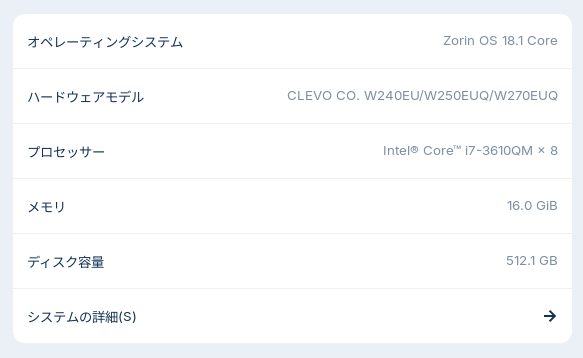
On my network and PC setup, the upgrade took about 44 minutes.
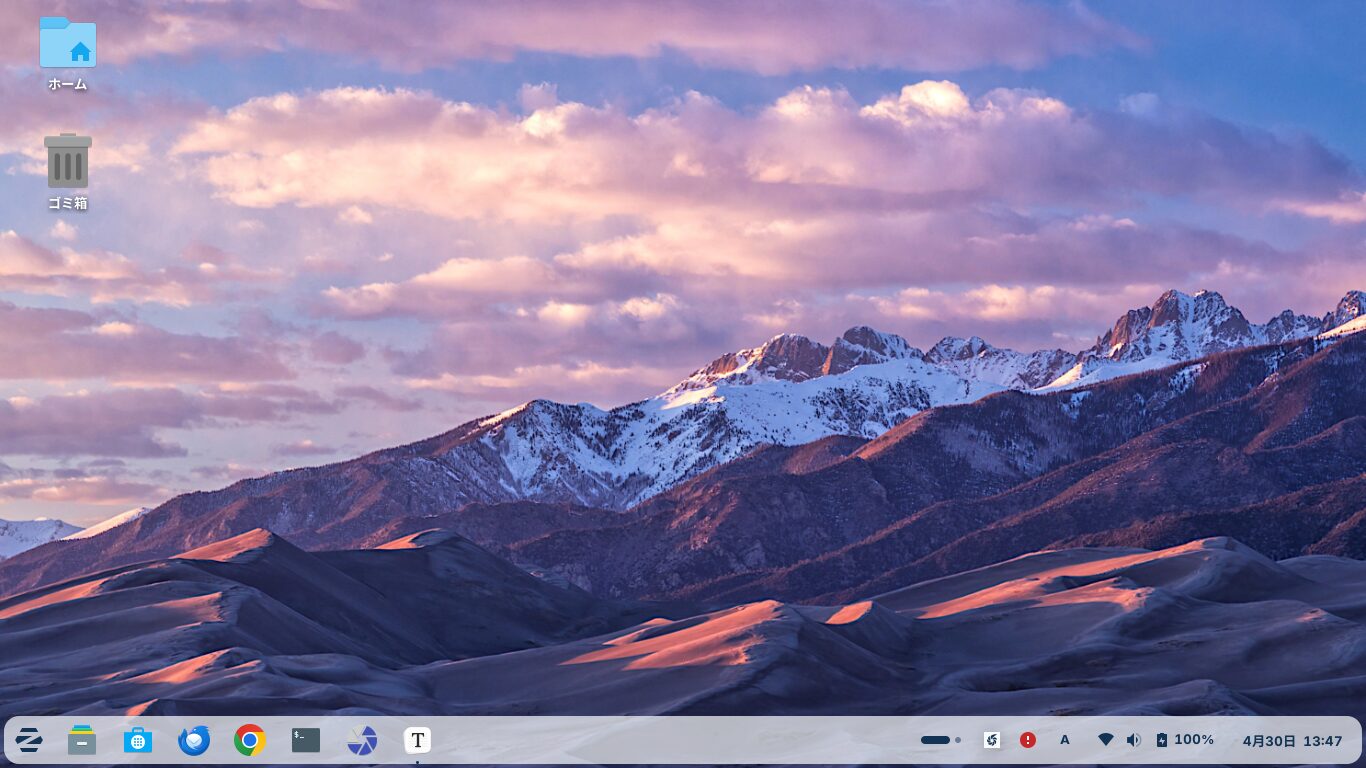
The corners of the taskbar are now rounded.
Other than that, I don’t think there have been any major changes to the appearance.
It doesn’t look quite like Windows 10.
It feels like it boots up a little faster.
3. After the upgrade
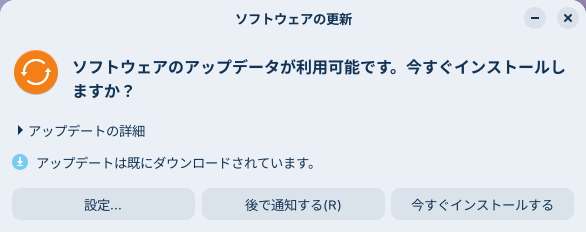
After the upgrade, update the software.


4. Confirmation
It took a little while to set up file sharing, but it’s now displayed as shown in the image, and I can access it.
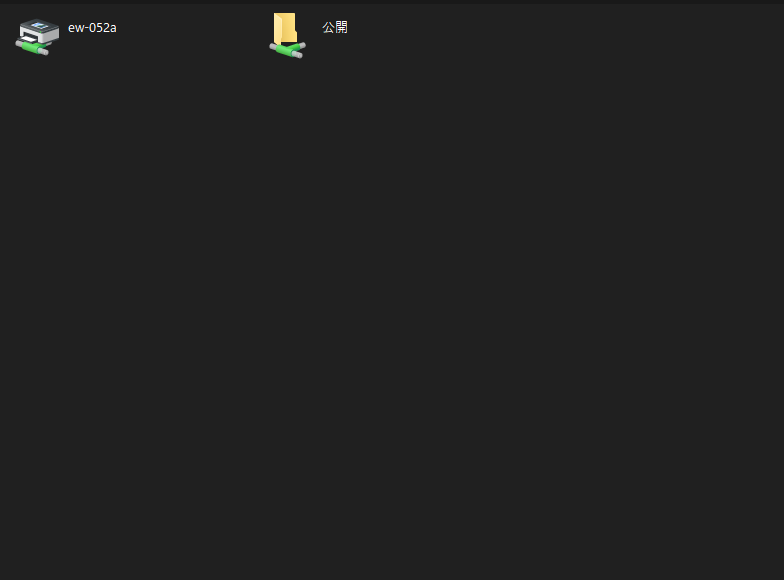
If you're having trouble seeing the shared folder from Windows, please try running this.
sudo service smbd start
Apache (the web server) is also working properly, as shown in the image.
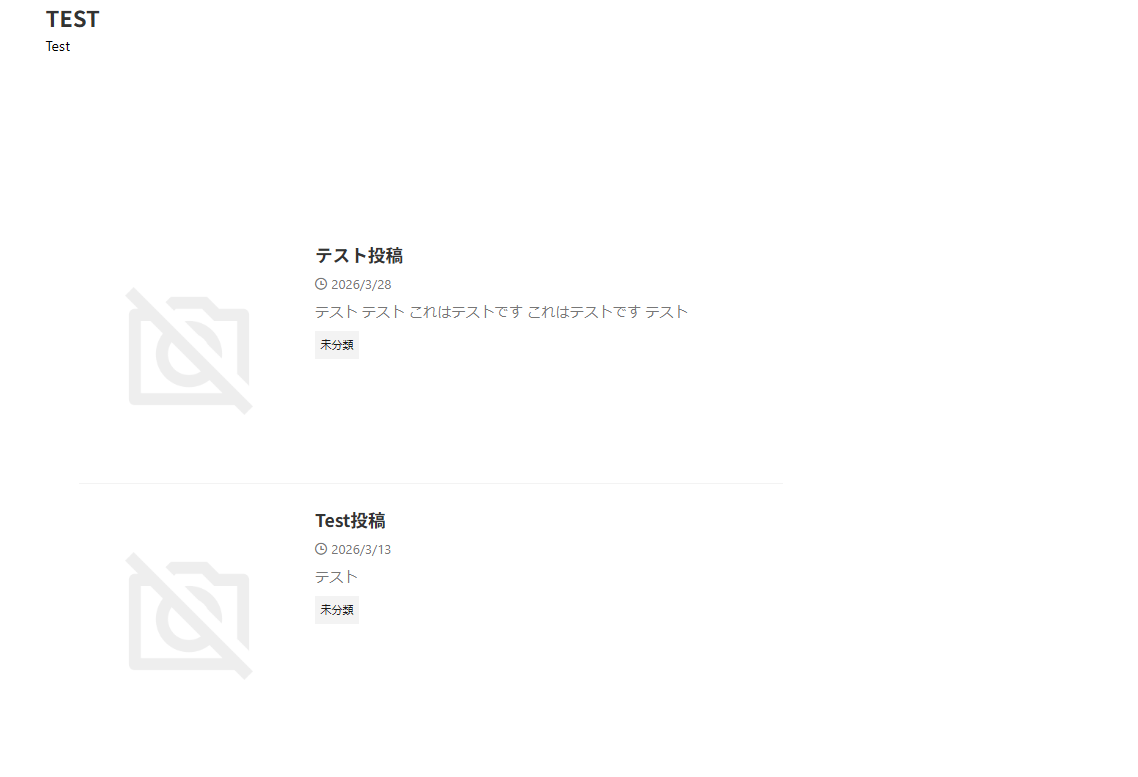
If it isn't working, please try running .
sudo service apache2 start
Other apps, such as Google Chrome and Thunderbird, are also working properly.
If they aren't working properly, try restarting Zorin OS a few times.
Summary
Starting with Zorin OS 17.3, you can now upgrade to Zorin OS 18.1 via the GUI from the Start menu.
Back up your data to an external drive, update your software to the latest version before upgrading, and then restart your computer.
Next, click “Upgrade Zorin OS” in System Tools from the Start button to begin the Zorin OS upgrade.
Once the upgrade is complete, update your software to ensure it is up to date.
よろしければ応援お願いします


