
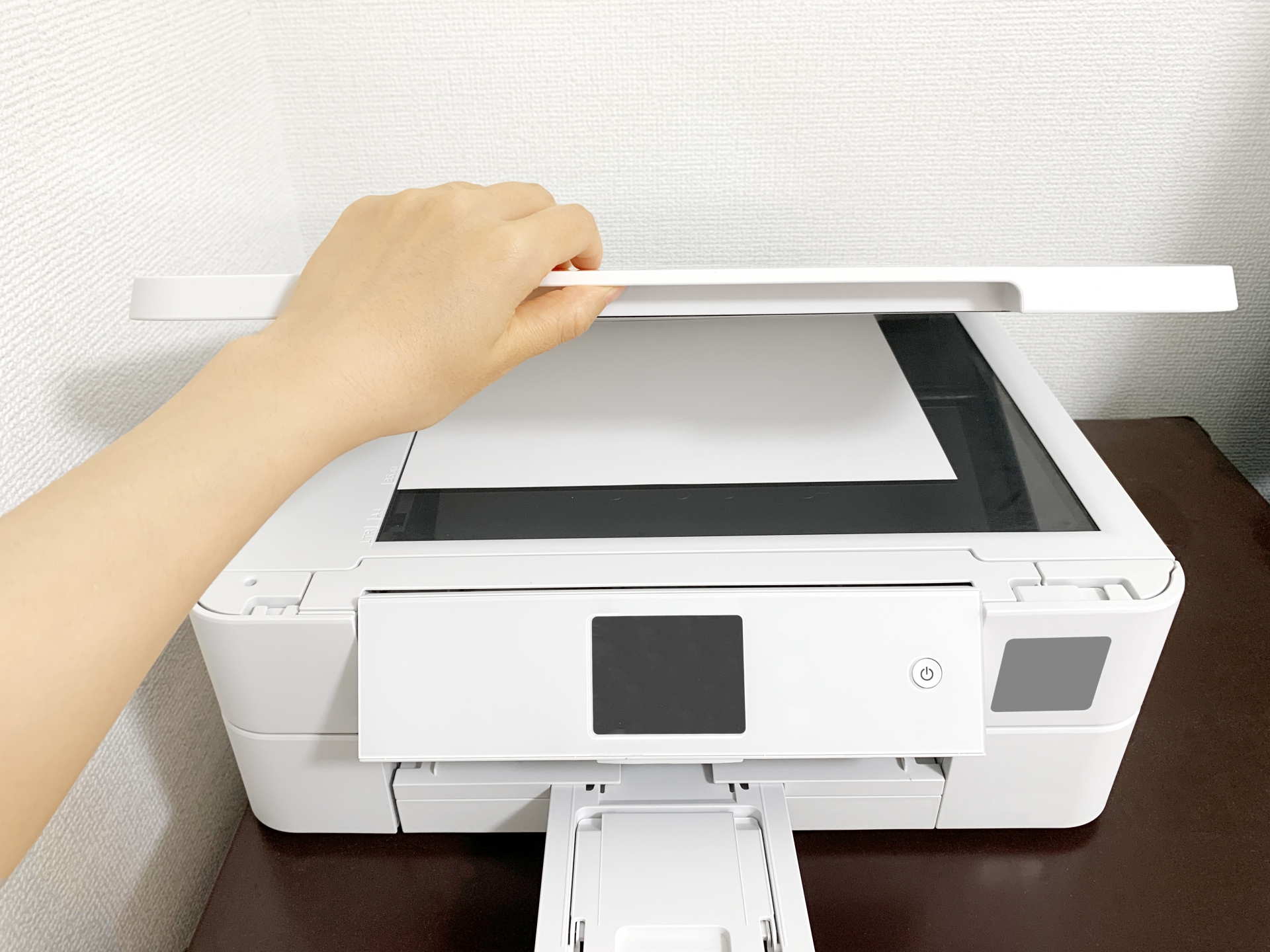
In this post, I’ll explain how to install EPSON printer drivers and other software after performing a clean install of Winux.


Click here for the Winux (formerly Windowsfx, Linuxfx, and Wubuntu) Overview page


1. Downloading and Installing the Printer Driver
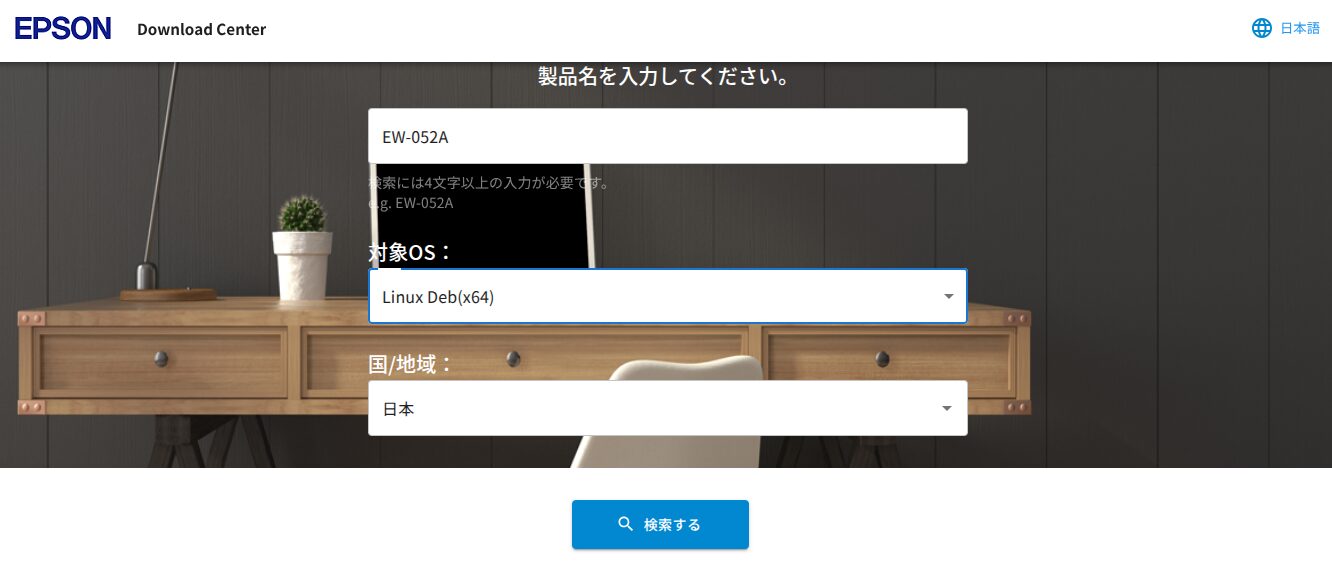
Search by model number here.
EPSON
https://download-center.epson.com/search/Canon

Let’s proceed with the EPSON example.
Select the model number and OS type.
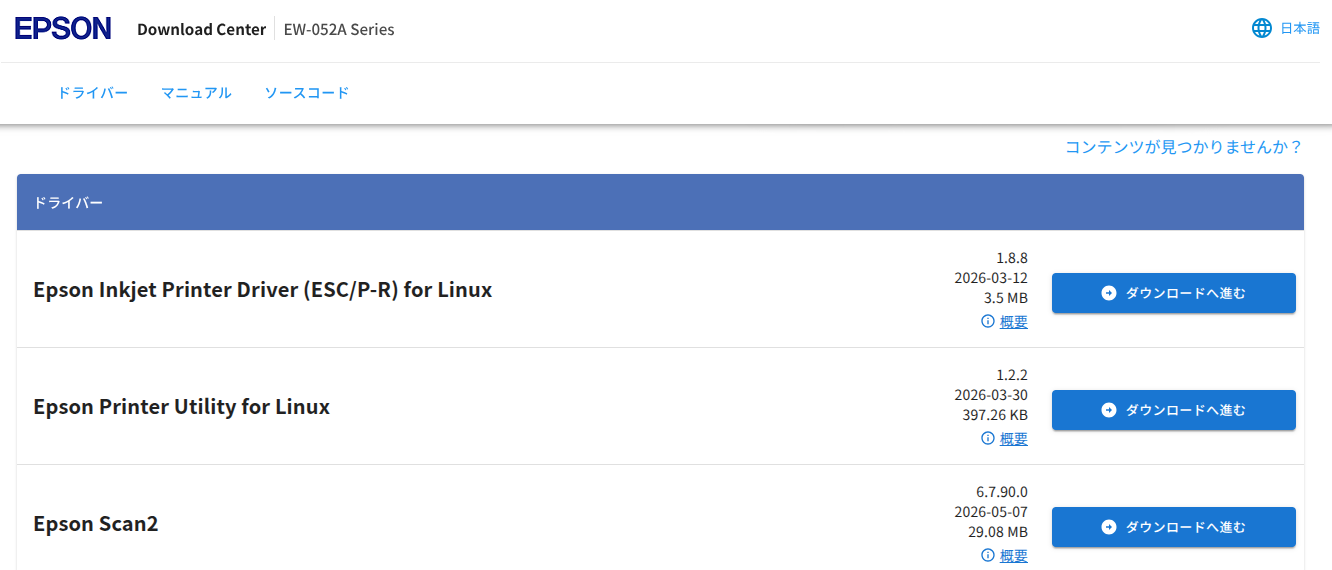
Download the drivers and utilities. Save them to your Downloads folder for now.
Once downloaded, please turn on the printer.
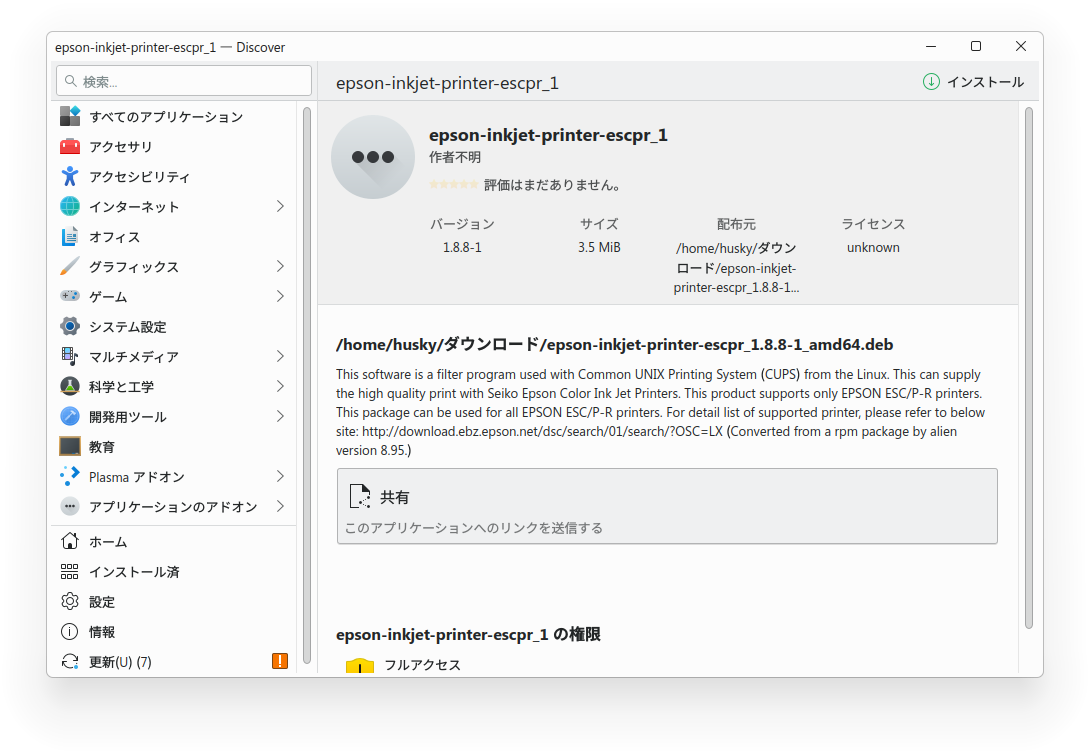
Double-click the downloaded .deb file to install it.
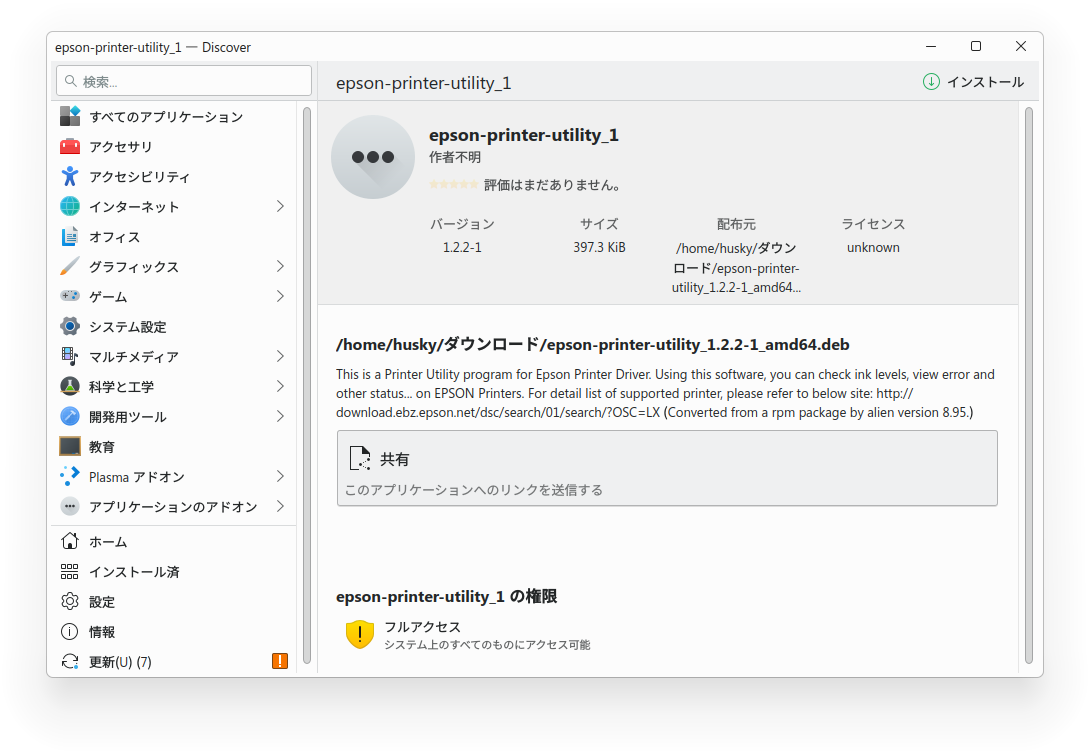
Since the scanner driver is a .tar.gz file, right-click it and select "Open with Ark" to extract it.
Open the extracted folder, right-click on `install.sh`, and click "Run in Konsole."
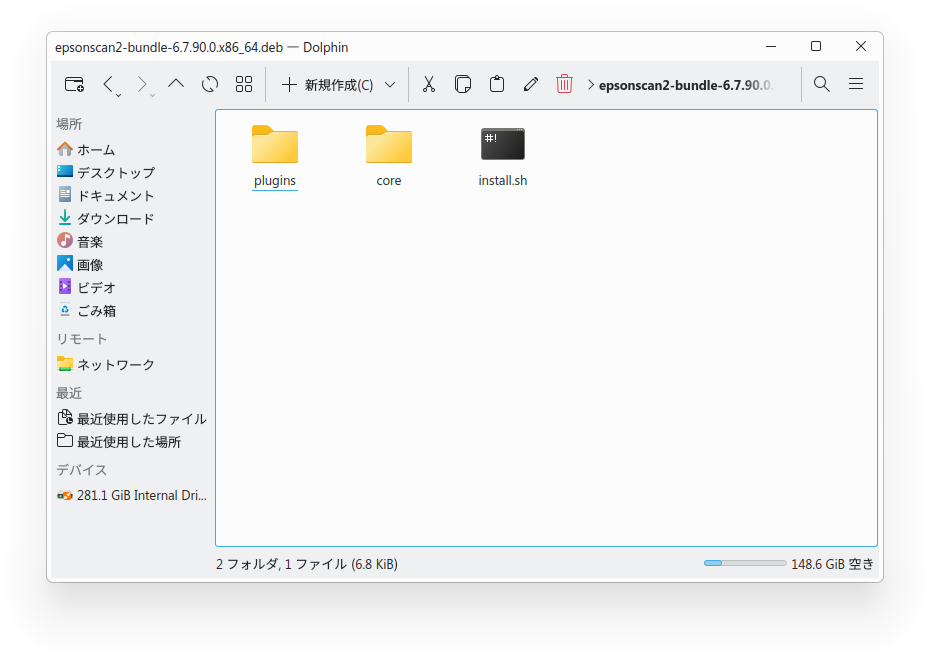
Check the Start menu to confirm that the utilities and scanner software have been installed.


2. Configure the printer
Click Settings and select the "Bluetooth & Devices" tab.
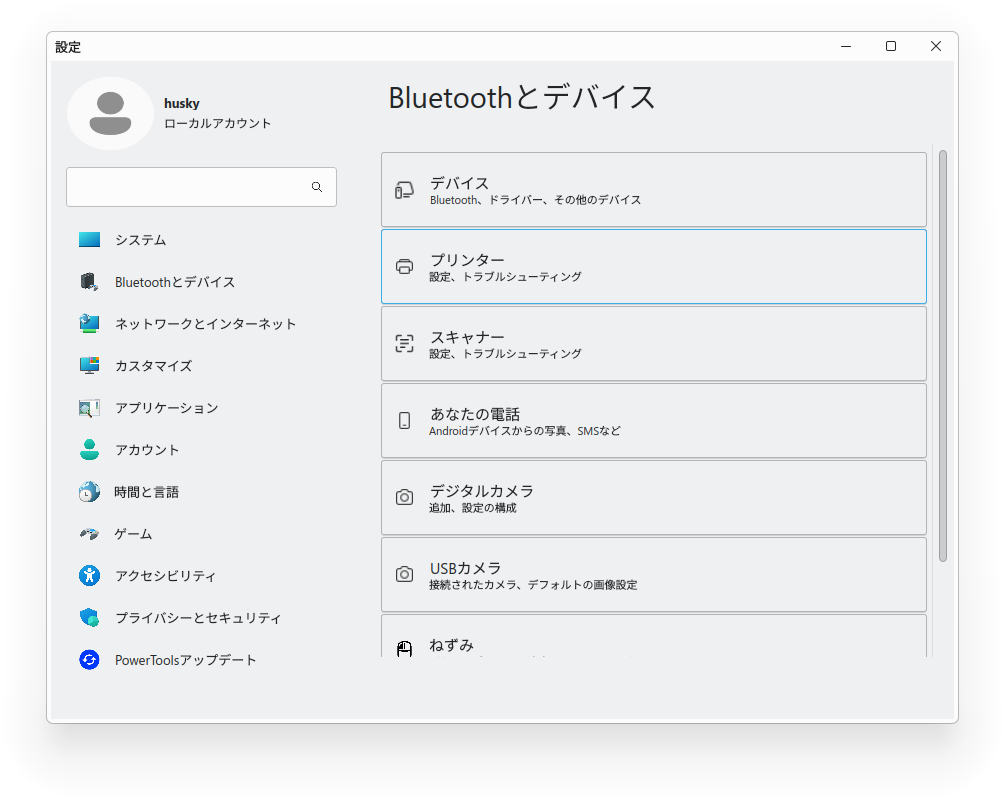
Click "Printers."
Click the "Click here to add a printer" button.
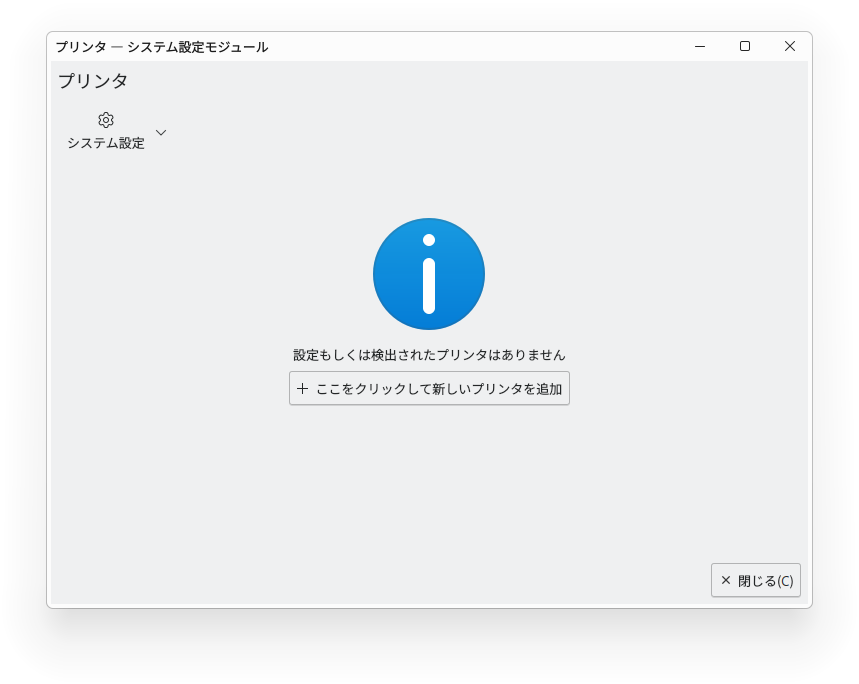
When your printer appears in the "Add a printer" list in the left pane, select it.
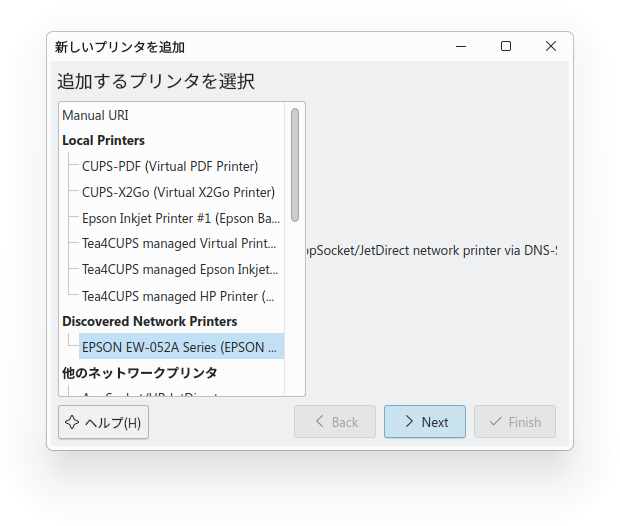
Click the "Next" button.
Select "Recommended Drivers" in the left pane, select your printer on the right, and click the "Next" button.
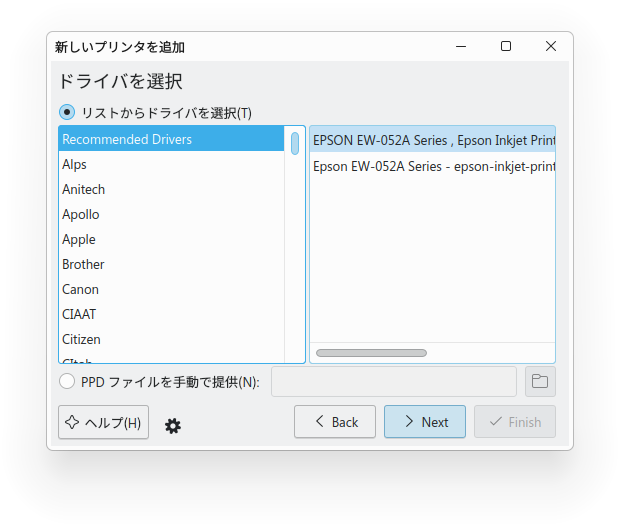
Click the "Finish" button.
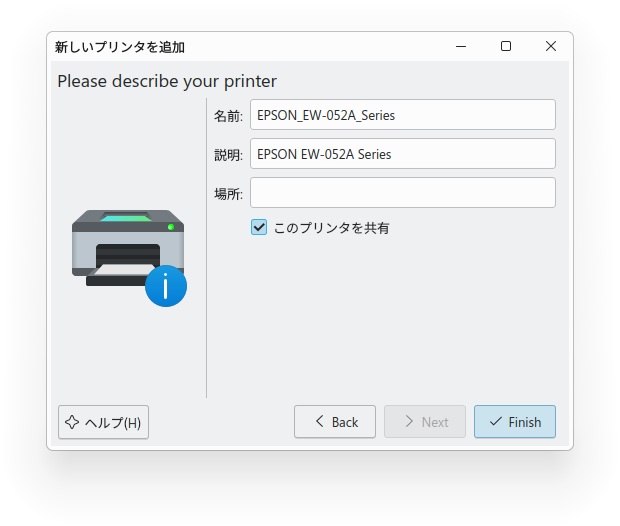

3. Verification
On the printer screen that appears after clicking "Finish," click "Maintenance," then click "Print Test Page" from the drop-down menu to print a test page.
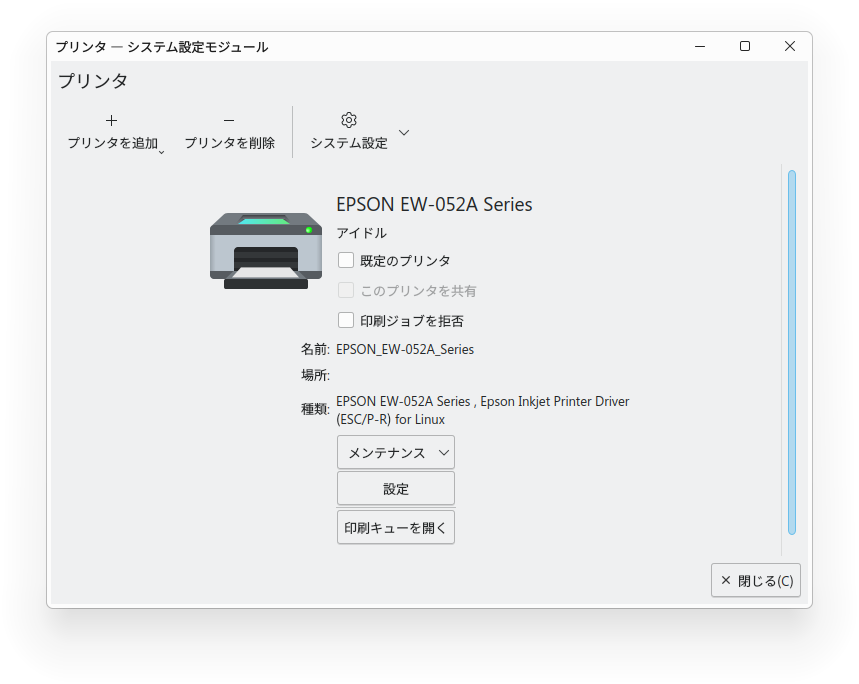
I printed the test page and scanned it.
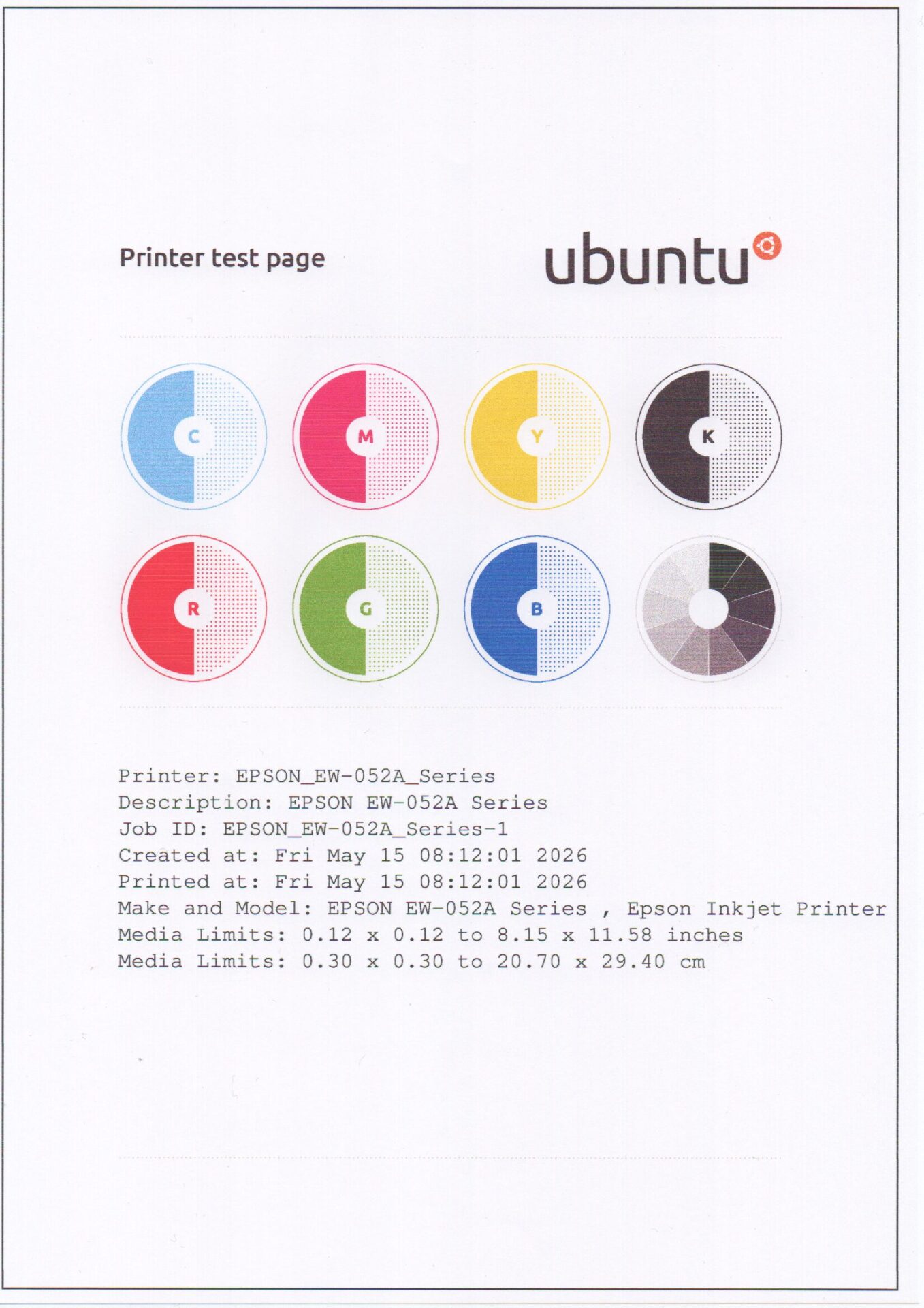
This completes the installation of the printer driver and scanner software on Winux.
Summary
First, download the printer driver, utilities, and scanner software for Linux from your printer manufacturer’s website. After installing them, go to “Bluetooth & Devices” in Settings, click “Printers,” and add the printer. To verify, print a test page.
If you found this helpful, please show your support.


